Plenty of people now pay for several overlapping AI subscriptions at once: a general chatbot, a writing assistant, maybe an image generator. Most of them do the same handful of things.
This isn’t a “cancel everything” article. Some of these are genuinely worth the money for the right person. It’s a list of the subscriptions that quietly keep renewing after the reason you signed up stopped applying, plus who should actually keep paying.
If you haven’t decided whether to pay for any AI tool at all, start with which AI subscription is actually worth paying for. This article assumes you already pay for something and are wondering if it’s the right something.
How we compared
Every price and limit below was read off the vendor’s own pricing page on 25 July 2026, and each one is linked in the sources at the end. Where a vendor blocks automated access to its pricing page, we say which secondary tracker we used instead and flag it in the text. Nothing here comes from private testing.
The judgment is ours, and it’s simple. A subscription earns a permanent place on your card if you use its paid-only features weekly, not “sometimes” or “in theory.” The test isn’t whether a tool is good, because most of these are well-built products. It’s whether what the paid tier adds matches how you actually use it, rather than how you imagined you’d use it at signup.
The practical version of that test: open each service’s usage or billing page and look at the last 30 days. If you can’t name a specific paid-only feature you touched in that window, you have your answer.
What these actually cost
| Subscription | Monthly cost | Who should actually keep it |
|---|---|---|
| A second or third chatbot plan | About $20/mo each: ChatGPT Plus $20, Claude Pro $20, Google AI Pro $19.99 | Only if you regularly compare outputs across models |
| Perplexity Pro | $20/mo, or $200/yr | Daily researchers who need sourced, current answers |
| GitHub Copilot Pro+ or Max | $39/mo or $100/mo | Developers running AI agents most of the day |
| Grammarly Pro | $30/mo monthly, $12/mo on an annual plan | People writing long-form professional docs weekly |
| Notion Business (the tier with full AI) | About $20/member/mo | Teams already living inside Notion databases |
| Jasper Pro | $69/seat monthly, $59/seat annual | Marketing teams publishing at volume with a shared brand voice |
| Midjourney Standard, Pro, or Mega | $30, $60, or $120/mo | People generating images daily, not occasionally |
1. A second (or third) chatbot subscription
Stacking ChatGPT Plus, Claude Pro, and Google AI Pro comes to roughly $60 a month, and the three overlap heavily for general chat, drafting, and everyday research.
Anthropic’s pricing page lists Claude Pro at $20 a month, or $17 if you pay $200 up front for the year. Google’s I/O 2026 subscription announcement put AI Pro at $19.99 a month, with a cheaper AI Plus tier at $4.99 and Ultra tiers restructured to $99.99 and $199.99. OpenAI’s pricing page blocks automated reads, so for ChatGPT we used pricing trackers, which agree on Free, Go at $8 a month, Plus at $20, and Pro well above both. They also note that Go may carry ads. Worth knowing before you cancel anything: the $8 Go tier didn’t exist when most people signed up for Plus.
This stack is easy to fall into by accident. You sign up for one during a trial, add a second because a coworker swears by it for one task, and neither gets cancelled once the novelty wears off. Six months later you’re paying three fees to ask the same kind of question three different ways.
Keep it if: you professionally need to compare how different models handle the same prompt, or you’ve hit the free-tier ceiling on more than one of them in the same week. Otherwise pick the one you actually prefer, and check whether its free tier or a cheaper tier covers you.
2. Perplexity Pro
Perplexity’s site blocks automated access, so the numbers here come from pricing trackers rather than a page we could read directly. They agree on the headline: Pro is $20 a month or $200 a year, and it removes the daily cap on Pro Search while adding a Deep Research allowance.
They disagree on the free tier. Some trackers list five Pro searches a day for free users, others list three. That gap matters, because it’s exactly the number that decides whether you need to pay. Check your own account before renewing rather than trusting either figure.
Keep it if: research is a daily part of your job and the free daily allowance runs out before lunch. Cancel it if: you’re using it more like a search engine than a research tool. The free tier covers that.
3. GitHub Copilot Pro+ or Max
GitHub’s plans page lays the tiers out clearly. Free gives 2,000 completions a month and 50 chat requests. Pro is $10 a month ($120 a year) with unlimited completions and $15 of monthly model credits. Pro+ is $39 a month ($468 a year) with $70 in credits and access to premium models. Max is $100 a month ($1,200 a year) with $200 in credits.
Read that as a credit ladder, not a feature ladder. The jump to Pro+ or Max buys headroom for agents running continuously, not capabilities you gain. If you’re on Pro+ or Max and mostly using interactive chat and completions, drop to Pro. It covers that at a quarter of the price. Our best AI for coding comparison goes deeper on which tool suits which workflow.
4. Grammarly Pro
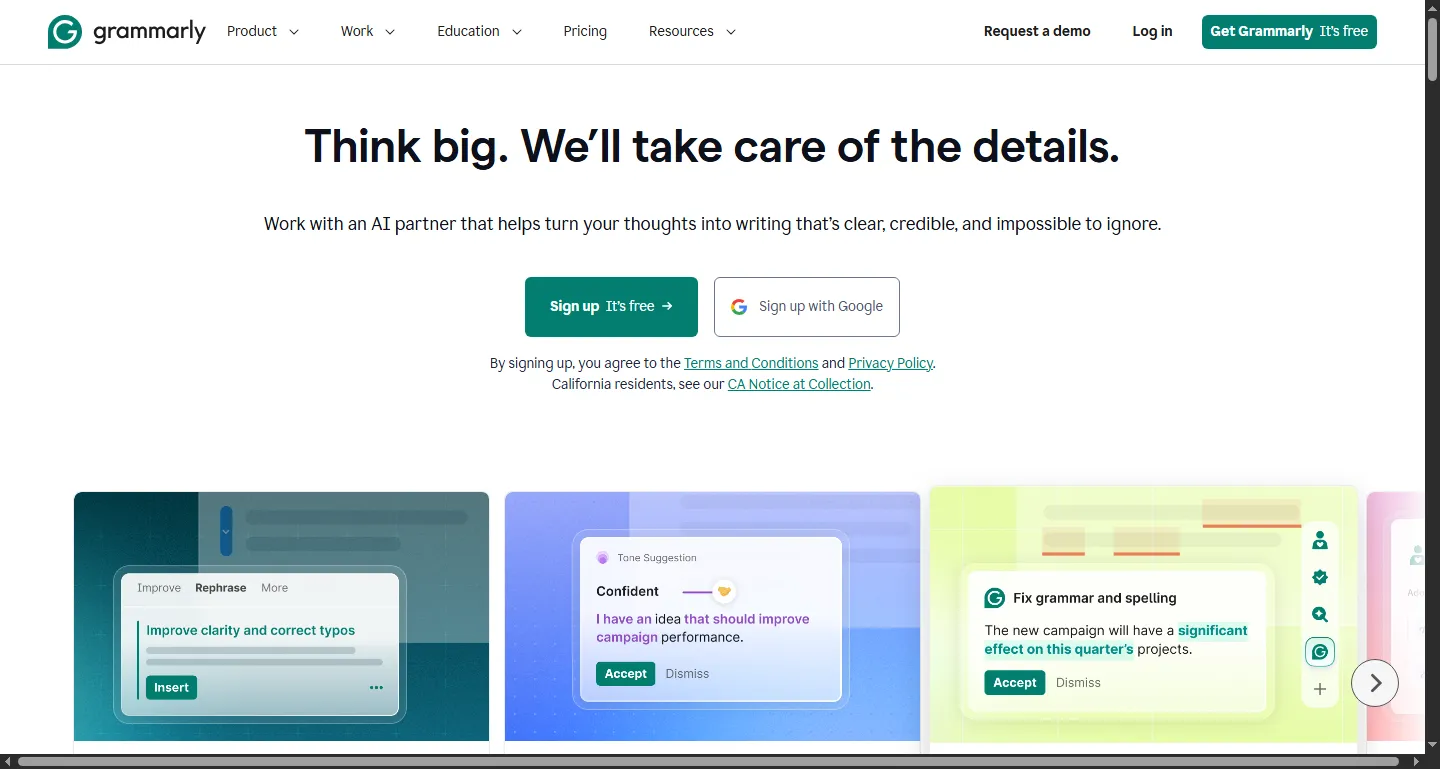
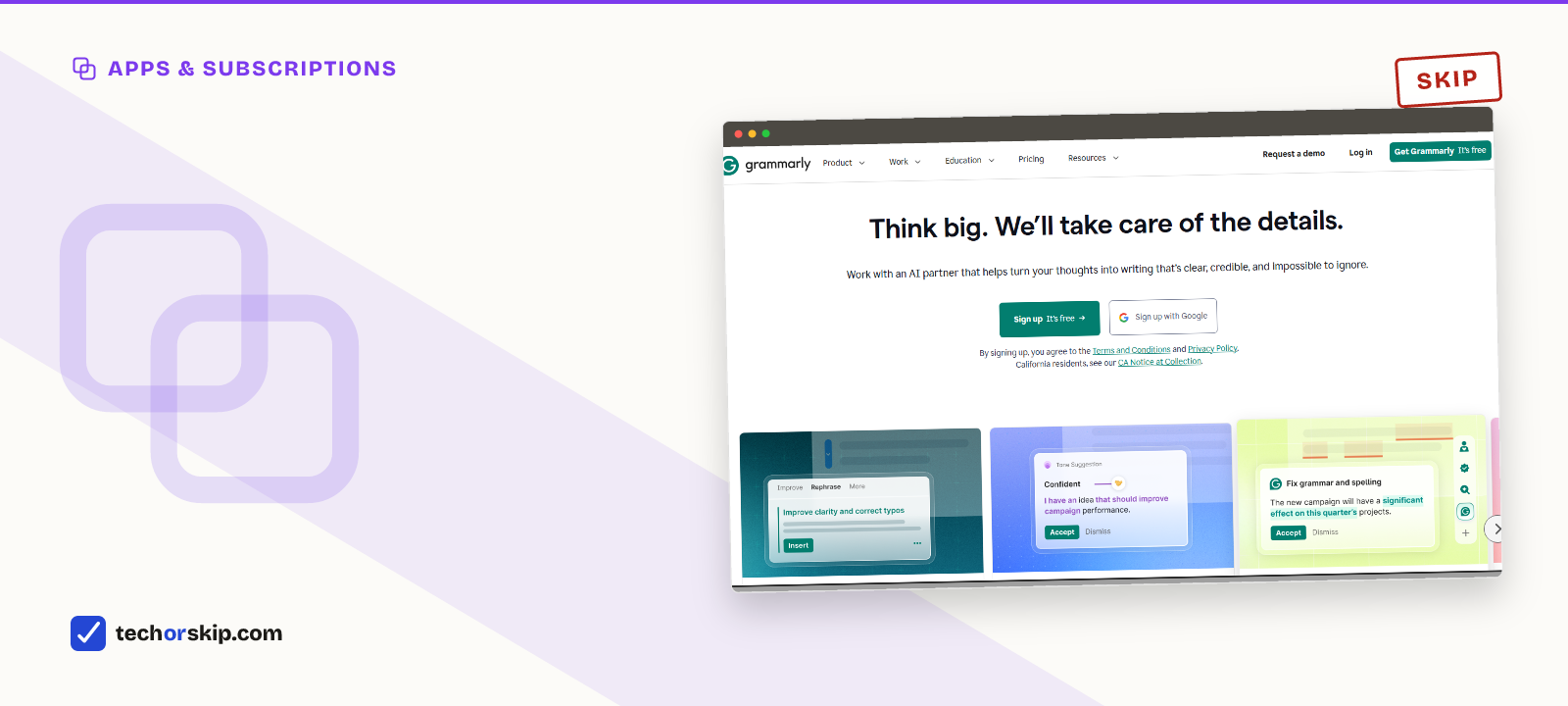
Grammarly’s homepage. The free tier already catches most of what casual writers need fixed.
Grammarly’s plans page shows the free tier covering spelling, grammar, tone detection, and 100 AI prompts a month. Pro adds full-sentence rewrites, tone adjustment, plagiarism and AI detection, and raises the allowance to 2,000 prompts.
The billing is where people lose money. Pro is $30 a month if you pay monthly, about $20 a month on the quarterly plan, and $12 a month only if you pay $144 for the year in one go. Anyone drifting along on month-to-month billing is paying two and a half times the annual rate for the same product.
Keep it if: you write long, high-stakes documents weekly and the rewrites save real editing time. Cancel it if: you keep getting flagged for the same handful of habits the free tier already catches.
5. Notion AI, which now means the Business plan
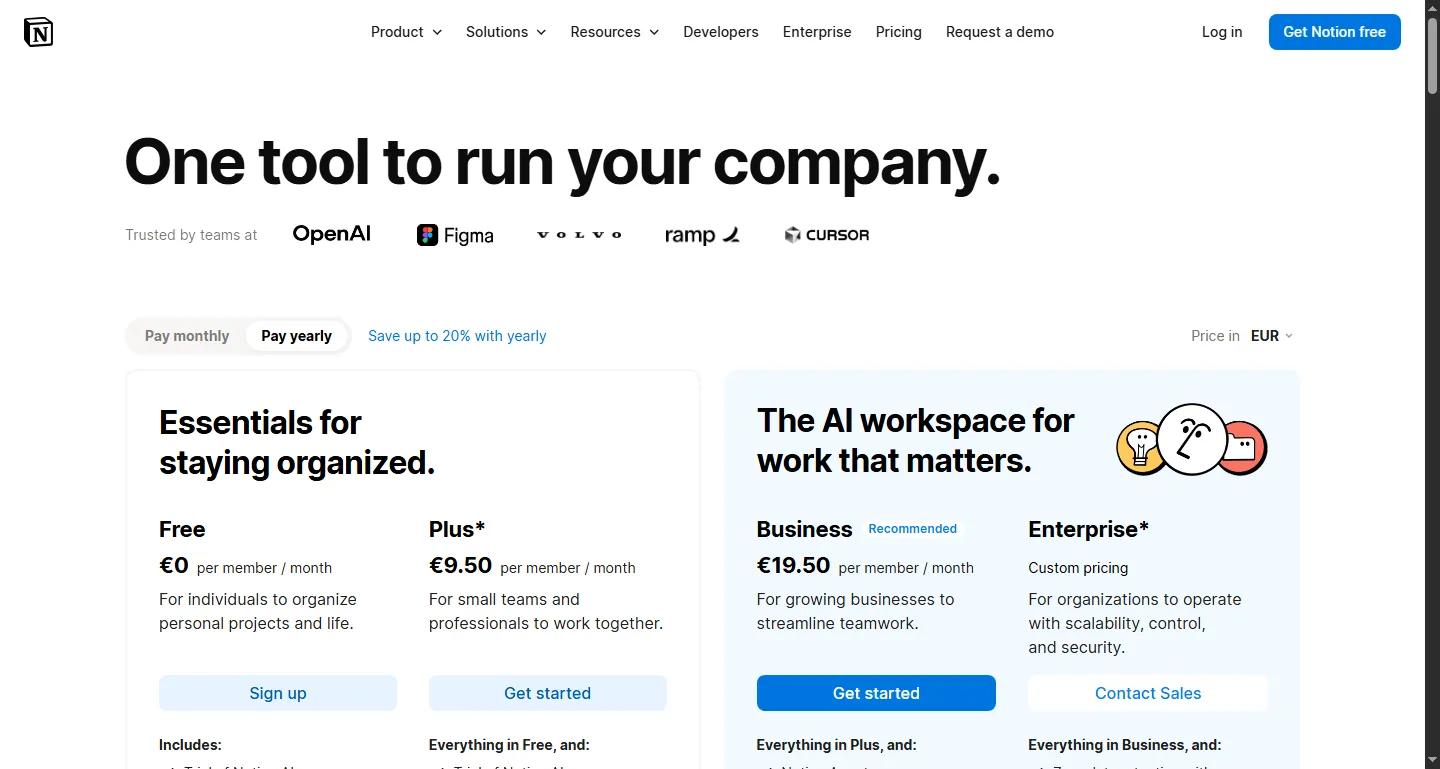
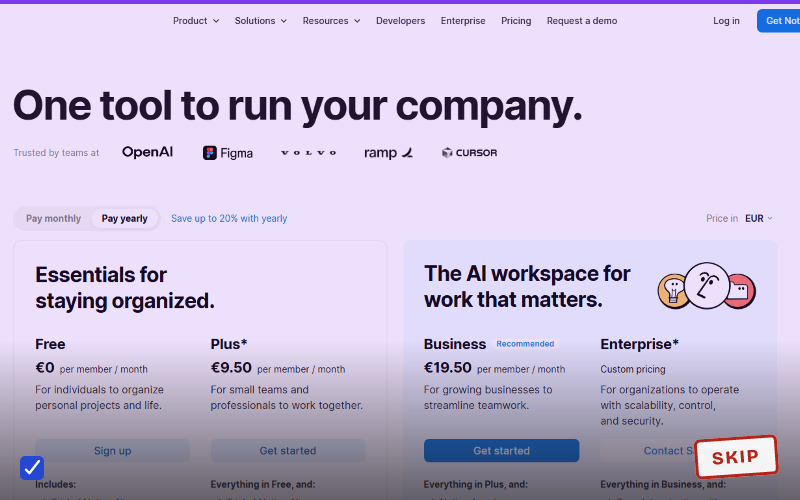
Notion’s pricing page. Full AI now sits inside the Business tier rather than a cheaper add-on.
Notion retired its standalone AI add-on in 2025 and folded full AI into Business. Its pricing page confirms the structure: Free and Plus get a limited trial of Notion AI, while Business is the first tier with the full Notion Agent, meeting notes, and enterprise search.
Notion shows local currency, and its page served us euros, so we’re quoting the tier rather than pretending to a precise dollar figure. Independent pricing trackers put Business at roughly $18 to $20 per member per month on annual billing and disagree about which. Call it about $20 and check your own checkout page.
This earns its keep only if your team already runs its workflow through Notion databases and the AI saves editing time across several people. If you’d be buying Business mainly for the AI and not the databases, skip it. A free tool from our free AI tools roundup can summarize the same documents for nothing.
6. Jasper
Jasper repriced, and the old cheap tier is gone. Its pricing page now lists one self-serve plan: Pro at $69 per seat monthly, or $59 per seat on annual billing, after a 7-day trial. Everything above that is Business, quoted by sales.
Jasper is built for marketing teams that need consistent brand voice across multiple writers producing at volume. Its own plan description leans on brand voices, knowledge assets, and audiences, which are team problems. Solo creators are paying for team infrastructure they don’t use.
Keep it if: you’re a content team where brand-voice consistency across writers is a real operational problem. Cancel it if: you’re a solo creator. A general chatbot with a saved style prompt does the same job for a third of the price.
7. Midjourney’s higher tiers
Midjourney’s public gallery. Impressive to browse, though the higher tiers exist for daily generation, not browsing.
Midjourney’s documented plans are Basic at $10 a month with 3.3 fast GPU hours, Standard at $30 with 15 hours, Pro at $60 with 30 hours, and Mega at $120 with 60 hours. Annual billing takes about 20% off each. Standard and above include unlimited generations in Relax mode, and extra fast hours cost $4 each.
That structure tells you what you’re actually buying above Basic: queue position and video headroom. If Relax mode’s wait times aren’t slowing you down, the upgrade buys you nothing. Generating a handful of images a month? Basic covers it, and the run-out cost of $4 an hour is cheaper than a tier you don’t fill.
Worth it for
- Auditing overlap can save $20 to $60 a month without losing real capability
- Free tiers across most of these categories have become genuinely usable
- Nothing here requires a hard cancel: dropping a tier often works just as well
- Cheaper tiers launched recently (ChatGPT Go, Google AI Plus) that existing subscribers never saw
Skip it if
- Some of these are legitimately worth it for specific professional work
- Usage dashboards are not always easy to find, so the audit takes real effort
- Pricing and tier limits change often enough that any figure needs rechecking
- Vendors that show local currency make comparison across regions genuinely hard
Alternatives
- Before cancelling anything, check tech subscriptions you can replace for free for the specific free swap.
- If your only paid AI subscription is ChatGPT Plus, our Free vs Plus breakdown covers exactly when it earns its cost.
- Not sure any AI subscription is worth it yet? Start with which AI subscription is actually worth paying for.
- Design tools follow the same logic: our Canva Pro for casual users breakdown applies the same “do you touch the paid feature weekly” test to a non-AI subscription.
Verdict
SKIP. For most people, at least one subscription on this list is paying for capability they don’t use. Open your last 30 days of usage per subscription before the next renewal, and downgrade or cancel anything you can’t tie to a specific weekly use. Two of these vendors added cheaper tiers this year that existing subscribers were never moved onto, so check the current lineup before you assume your plan is still the right one.
Common questions
Which AI subscriptions should I cancel?
Start with the ones you’re paying for out of habit rather than weekly use: a second or third general chatbot plan, Perplexity Pro if you’re using it more like a search engine than a research tool, or a Copilot Pro+ or Max tier you’re not actually running agents on all day. Check the last 30 days of usage on each; if you can’t name a specific paid-only feature you touched, cancel it.
Is Notion’s free plan enough for personal use?
For basic notes, yes, most people don’t need to pay just for that. Notion’s own pricing page shows the free and Plus tiers getting only a limited trial of Notion AI, with full AI access, including the Notion Agent, requiring the Business plan at roughly $20 per member a month. If you don’t need the AI features specifically, the ordinary free tier stays available on its own.