Not every subscription needs a paid tier. A lot of software people pay for monthly has a free tool sitting right next to it that does most of the job. The gap is usually a specific feature, not overall quality.
This list matches ten common paid subscriptions to their closest free replacement, and says plainly what you lose by switching. If the thing you’d lose doesn’t matter to how you actually use the tool, cancelling is an easy call.
For AI-specific subscriptions rather than general software, see our companion piece on AI subscriptions most people don’t need. This list sticks to everyday apps.
How we compared
Every paid price below was read off the vendor’s own page on 25 July 2026, and every free tier’s limits come from that tool’s own documentation rather than a summary of it. Where a pricing page renders its amounts through a script that didn’t load for us, or shows local currency instead of dollars, we say so in that item rather than quietly rounding.
One claim here isn’t a price, and it’s the one we changed our mind on: whether Windows Defender is good enough to replace paid antivirus. That rests on AV-TEST’s published lab results, cited below with the exact test period and score.
What we don’t do is claim to have run these tools side by side ourselves. A free tool earns a place on this list when its documented capabilities cover the core job the paid tool is bought for. Deciding whether that trade is worth it is your call, and the “what you give up” line in each item is there to make it.
Cost of the paid tools, side by side
| Paid subscription | Cost | Free replacement |
|---|---|---|
| Adobe Photoshop | $22.99/mo, annual plan billed monthly | Photopea or GIMP |
| Microsoft 365 Personal | $99.99/yr or $9.99/mo | Google Docs, Sheets, Slides |
| Dropbox Plus (2 TB) | $9.99/mo annual, $11.99/mo month to month | Google Drive (15 GB free) |
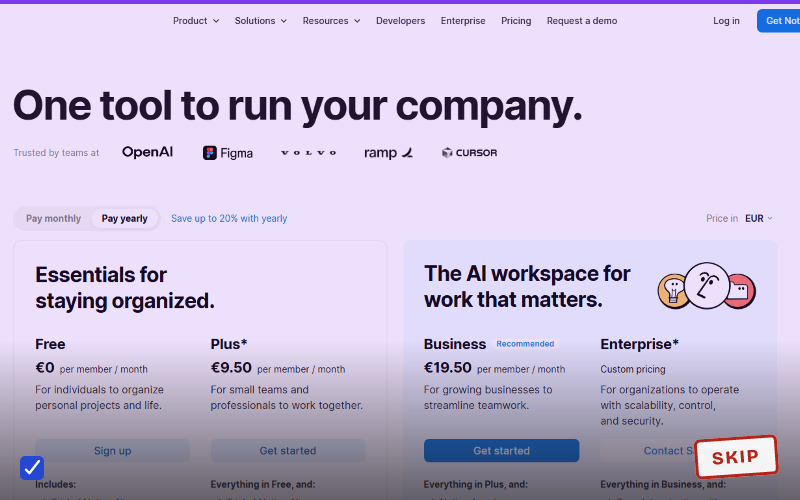
| Evernote Starter | $99/yr, about $10.83/mo | Google Keep or Notion free |
| Adobe Lightroom | $11.99/mo, annual plan billed monthly | Darktable |
| Zoom Pro | About $13.33/user/mo annual | Google Meet (free tier) |
| Norton 360 Standard | $39.99 first year, $94.99 on renewal | Microsoft Defender (built in) |
| Todoist Pro | $5/mo annual ($60/yr), $7/mo monthly | Google Tasks or Microsoft To Do |
| Canva Pro | About $15 to $18/mo | Canva Free |
| YouTube Premium | $15.99/mo | Free YouTube, or Premium Lite at $8.99 |
1. Adobe Photoshop to Photopea or GIMP
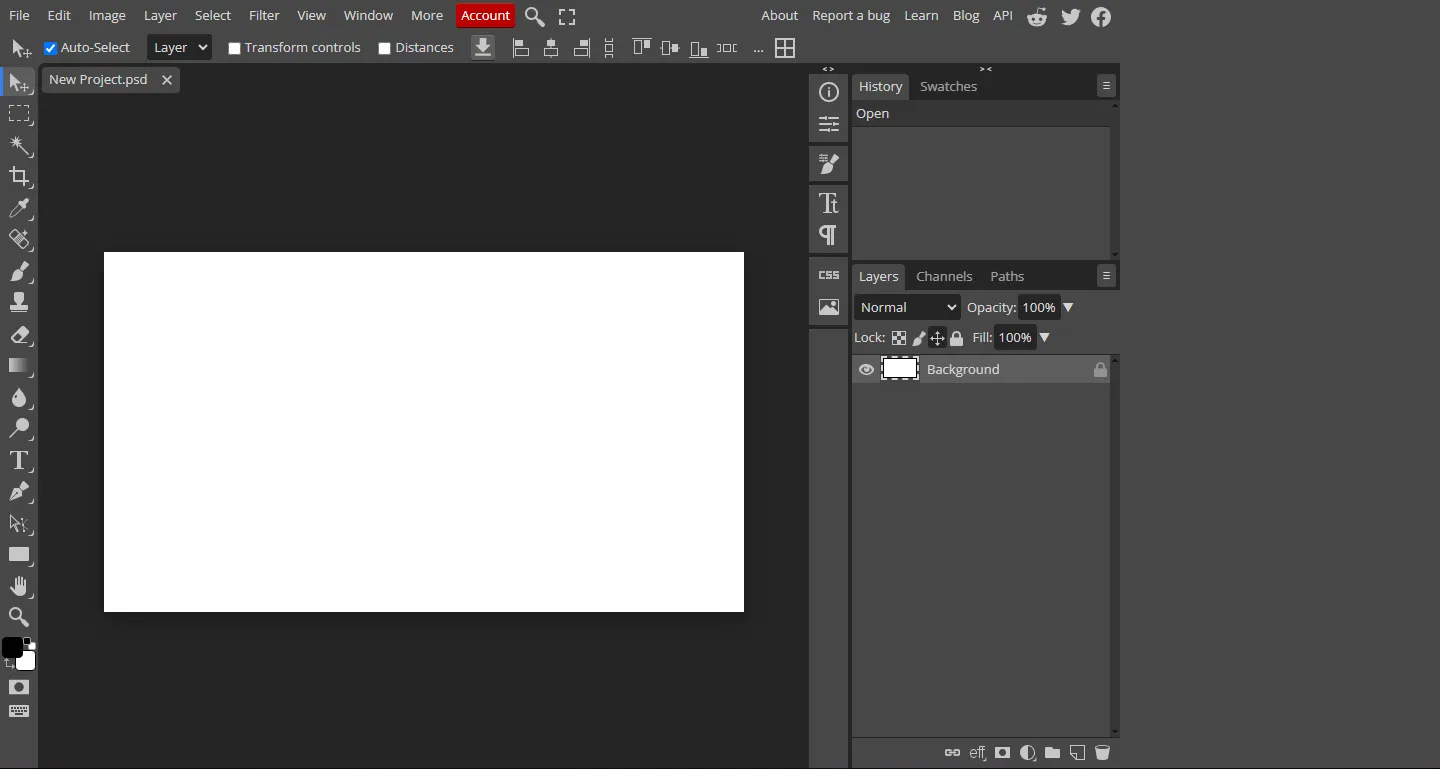
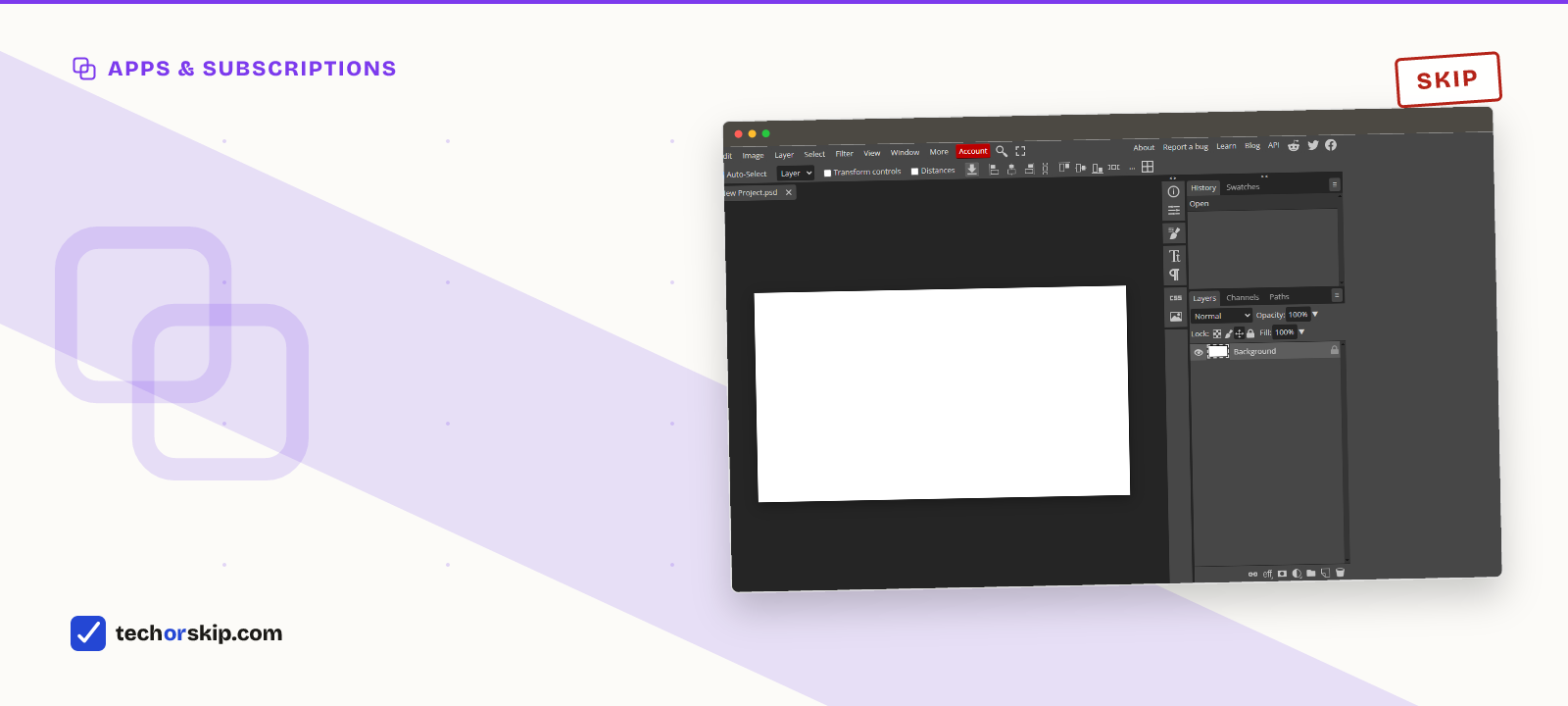
Photopea running in a browser tab, no install and no account needed to start editing.
Adobe’s plans page lists Photoshop on its own at $22.99 a month on an annual plan billed monthly. The Photography plan, which bundles Photoshop and Lightroom with 1 TB of storage, is $19.99, so the standalone Photoshop plan is the worse deal for most people before you even consider free options.
Photopea is a free browser editor. Its own site says it opens and saves PSD natively and handles more than 40 other formats including AI, INDD, EPS, Figma, and camera RAW files from Canon, Nikon, Sony, and Fujifilm. No install, no account.
GIMP’s homepage. Rougher around the edges than Photoshop, but the core editing tools are all there.
GIMP is the desktop option: free, open source, and better than a browser tab on very large files.
What you give up: Adobe’s plugin ecosystem, Creative Cloud sync across devices, and generative fill. For everyday editing and retouching, the gap is small.
Swapping creative software is one piece of a bigger declutter; if your whole PC could use the same treatment, Windows apps worth uninstalling or replacing picks up where this leaves off.
2. Microsoft 365 to Google Docs, Sheets, and Slides
Microsoft 365 Personal is now $99.99 a year or $9.99 a month, and includes 1 TB of OneDrive storage plus higher Copilot usage limits. Family is $129.99 a year for up to 6 TB, though Microsoft’s own comparison notes the AI features go to the subscription owner and can’t be shared with the other members.
That $99.99 is the number worth pausing on. Microsoft raised Personal from around $70 when it folded Copilot in, so a lot of people are now paying 40% more than they signed up for.
Google’s document suite is free and browser-based, and handles real-time collaboration natively.
What you give up: complex Word formatting (footnotes, advanced macros, mail merge) doesn’t always survive a round trip through Google Docs, you lose the 1 TB of OneDrive, and fully offline native editing takes extra setup.
3. Dropbox to Google Drive
Dropbox Basic is free with 2 GB. Plus is 2 TB at $9.99 a month billed annually, or $11.99 month to month. Google gives every account 15 GB free, shared across Drive, Gmail, and Photos.
The tradeoff is raw capacity, and 2 GB versus 15 GB is not a close comparison at the free end. If you’re nowhere near 15 GB, this is a straightforward swap. If you’re near 2 TB, you’re paying for storage, and that’s a legitimate reason to stay.
4. Evernote to Google Keep or Notion’s free tier
Evernote’s free tier got much smaller than most people remember. Its own plan comparison lists 50 notes, one notebook, one syncing device, and 1 GB of storage. Starter runs $99 a year, about $10.83 a month, or roughly $14.99 if you pay monthly.
One notebook and one device is not a free tier anyone can live in. Google Keep is free and fast for quick notes. Notion’s free personal tier handles longer, structured notes and syncs everywhere.
What you give up: Evernote’s web clipper and its search across huge archives are still better if you have a decade of accumulated notes to dig through.
5. Adobe Lightroom to Darktable
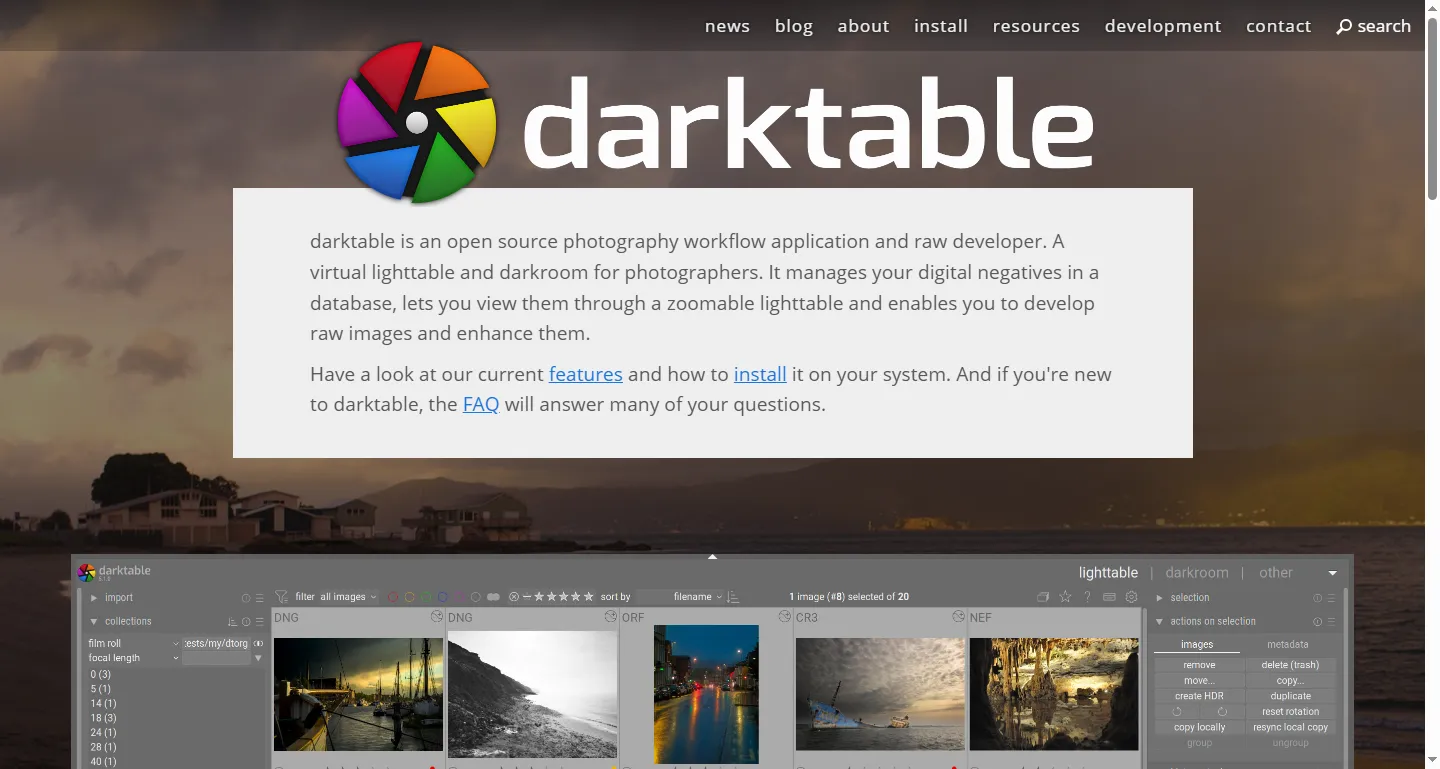
Darktable’s homepage. Free and open source, though it asks more of you upfront than Lightroom does.
Adobe lists Lightroom at $11.99 a month on the annual plan. Darktable is free, open source, and handles RAW processing with the same kind of non-destructive workflow.
The real cost is ease of use. Darktable’s interface has a genuine learning curve next to Lightroom’s polish, and there’s no automatic cloud sync across devices.
6. Zoom Pro to Google Meet
Zoom’s own plan page states the limits plainly: 40 minutes per meeting on the free Basic tier, 30 hours on Pro. It doesn’t render its prices in the page text, so for the dollar figure we’re relying on pricing trackers, which put Pro at about $13.33 per user per month on annual billing and $16.99 month to month.
Google’s free personal tier caps group calls (three or more people) at 60 minutes with up to 100 participants, and lets one-to-one calls run far longer. Google renders those limits dynamically too, so confirm on your own account before planning a long call around it. Either way the free Meet allowance is longer than the free Zoom allowance, which is the part most people don’t realize they’re paying to fix.
What you give up: Zoom’s meeting-specific polish, meaning breakout room controls, cloud recording, and webinar features. For routine calls, Meet’s free tier is a direct swap.
7. Norton 360 to Microsoft Defender
This is the item where the honest answer has changed, so it’s worth being precise.
Norton’s own product page lists 360 Standard at $39.99 for the first year, covering three devices, and $94.99 on renewal. That renewal price is the real cost of the subscription, and it’s 2.4 times the number that got you to sign up. Deluxe follows the same pattern at $49.99 then $124.99.
Meanwhile AV-TEST, the German independent lab, tested Microsoft Defender Antivirus (Consumer) 4.18 on Windows 11 Professional over March and April 2026 and gave it 6.0 out of 6.0 for protection, 6.0 for performance, and 6.0 for usability. That’s a perfect 18 out of 18 and AV-TEST’s TOP PRODUCT award, which requires at least 17.5. The old advice that Defender lags the dedicated suites on detection doesn’t hold against that result.
What you give up: Norton’s bundle, not its antivirus. The paid product adds a VPN, dark web monitoring, and cloud backup that Defender doesn’t include. Before you assume the bundled VPN makes the math work, read free VPN vs paid VPN, because a bundled VPN and a good standalone one are different products.
8. Todoist Pro to Google Tasks or Microsoft To Do
Todoist’s free Beginner plan allows five personal projects, three filter views, five collaborators per project, and one week of activity history. Pro raises that to 300 projects and 150 filters at $5 per month billed annually ($60 a year), or $7 month to month after a late-2025 increase.
Five projects is the wall most people hit, and it’s a soft one. Google Tasks and Microsoft To Do are free with no feature gating on the basics.
What you give up: advanced filters, labels, longer history, and third-party integrations. For a straightforward list, either free app covers it completely.
9. Canva Pro to Canva Free
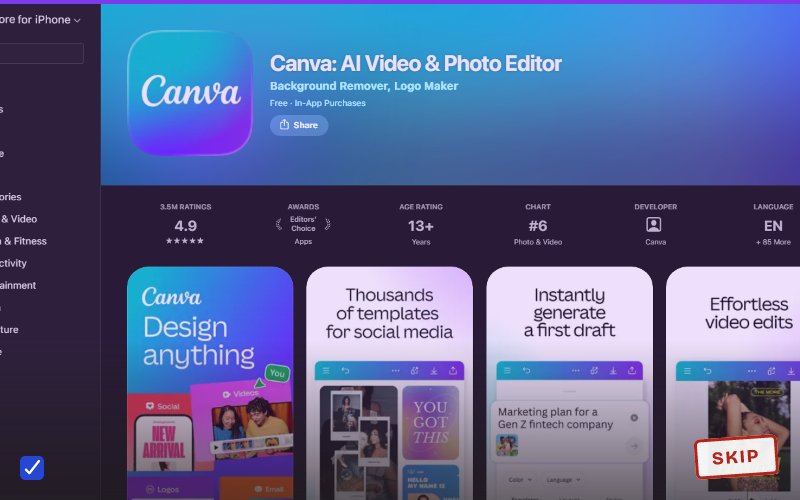
Canva blocks automated access to its pricing page, so this is the one item where we couldn’t read the numbers at the source. Pricing trackers put Pro somewhere between $15 and $18 a month, which is a wide enough spread that you should check your own checkout page rather than either figure.
The feature line is clearer than the price line. Background Remover and Magic Resize sit behind Pro, along with Brand Kit and higher AI generation limits. The free tier keeps the template library, the editor, real-time collaboration, and exports, with a monthly cap on AI generations that trackers also disagree about. For what’s genuinely free across AI tools generally, see our free AI tools roundup.
Occasional users rarely hit these walls. Frequent content creators hit them in a week.
10. YouTube Premium to free YouTube, or Premium Lite
YouTube raised US prices in June 2026. Individual Premium is $15.99 a month, Family is $26.99 for up to six people in a household, and the Student plan is $8.99.
The tier most people miss is Premium Lite at $8.99: ad-free videos without YouTube Music, background play, or offline downloads. If the ads are the only thing bothering you and you don’t use YouTube Music, Lite halves the bill without going back to ads.
What you give up going fully free: ad-free playback, background play on mobile, offline downloads, and the bundled music service. There’s no functionality gap here, just a straight pay-for-convenience trade.
Worth it for
- Most of these free replacements cover the core job completely, not partially
- Switching costs are mostly time, not money, with no lock-in on any of these
- You can upgrade back if a specific paid feature turns out to matter
- Two items here (Defender, YouTube Premium Lite) got better arguments in the last year
Skip it if
- A few gaps are real: storage capacity, plugin ecosystems, polish on complex workflows
- Free tools sometimes need more setup or have a steeper learning curve
- Some free tools require a Google or Microsoft account, which carries its own privacy tradeoff
- Vendors that hide prices behind scripts or local currency make comparison genuinely hard
Alternatives
- Also auditing AI-specific tools? See AI subscriptions most people don’t need for the chatbot and writing-assistant side of this.
- Before trusting any free tool with your files, make sure the accounts holding them are actually secured. See best password managers for ordinary users.
- Cutting a security subscription specifically? Read free VPN vs paid VPN first. The tradeoffs there differ from storage or editing apps.
Verdict
SKIP the ones where the “what you give up” line doesn’t match how you actually use the tool. Keep paying where it does. Storage capacity and professional editing plugins are real reasons to stay on a paid plan. Check the renewal price rather than the intro price before you decide, because on Norton the difference is $55 a year, and check whether a cheaper middle tier appeared since you subscribed.
Common questions
Are free alternatives to Microsoft 365 good enough?
For most everyday documents, yes. Google Docs, Sheets, and Slides are free, browser-based, and handle real-time collaboration natively, against Microsoft 365 Personal’s $99.99 a year. What you give up is complex Word formatting like footnotes and mail merge, which doesn’t always survive a round trip through Google Docs, plus the 1 TB of OneDrive storage that comes with the paid plan.
Is Canva Pro worth it for casual users?
Not usually. Canva’s free plan keeps the template library, editor, real-time collaboration, and exports, with a capped monthly AI allowance. Pro adds Background Remover, Magic Resize, Brand Kit, and higher AI limits for somewhere between $15 and $18 a month, features that occasional users rarely hit in a given week. Frequent content creators hit those walls within days, which is where Pro starts earning its cost.