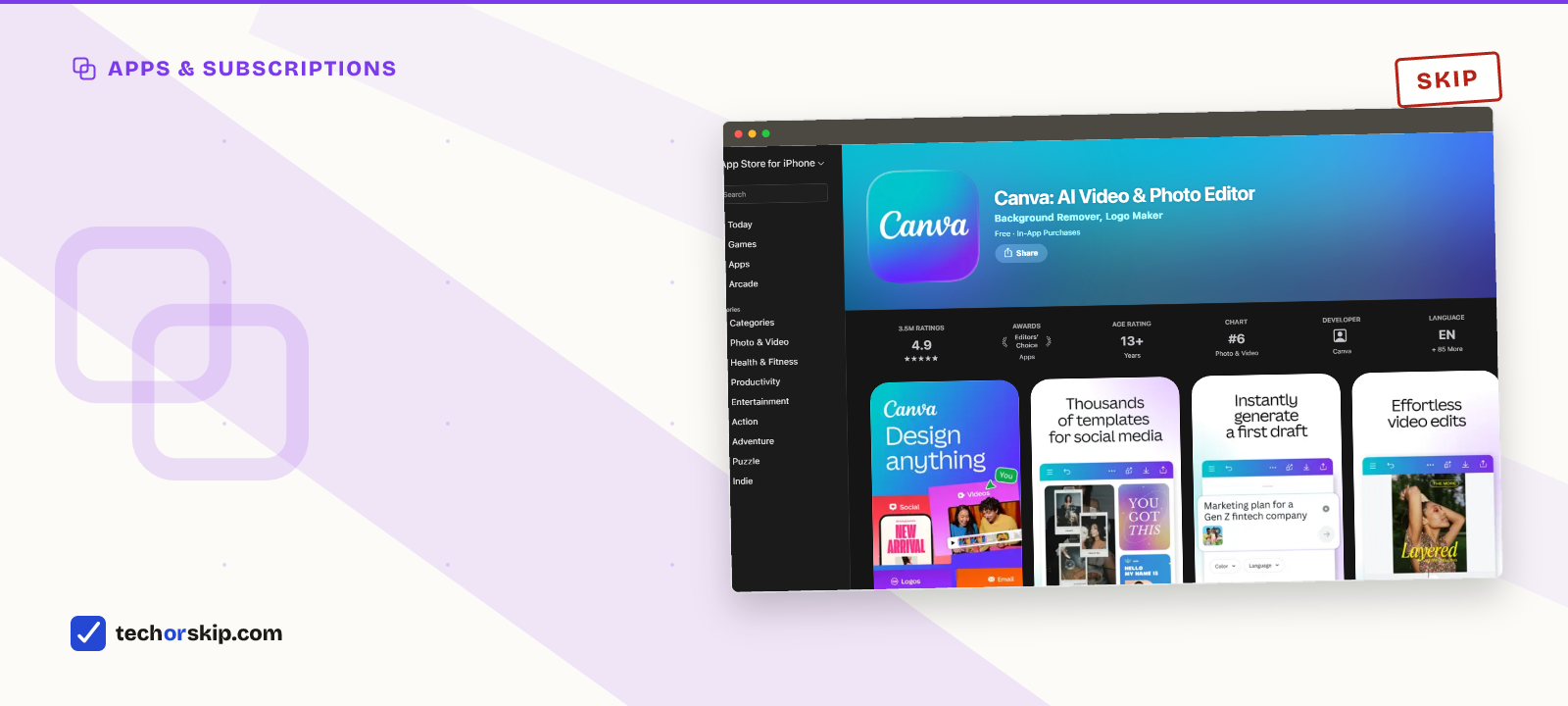
For most casual users, Canva Pro isn’t worth it. The free tier already covers a birthday invite, a flyer, or an occasional Instagram graphic, and it’s a permanent plan, not a trial. Pro’s roughly $18-a-month subscription earns its cost only once you’re hitting a specific wall repeatedly: the background remover, a fourth brand color, or a premium template you keep reaching for.
That’s a narrower case than Canva’s own marketing suggests. The free plan quietly does most of what a casual user needs: a real editor, over a thousand design types, millions of free photos and templates, and basic AI tools with a limited monthly allowance.
This article breaks down exactly where free stops and Pro starts, so you can tell which side of that line you’re actually on before paying anything.
How we compared
Pricing and feature limits below come from Canva’s own Pro and pricing pages, checked in July 2026. Canva’s checkout doesn’t always show identical numbers to every visitor, and third-party pricing trackers report figures that vary by a dollar or two depending on region and promotions, so treat the numbers here as the standard list price and confirm your own checkout screen before subscribing.
Free versus Pro, side by side
| Feature | Free | Pro |
|---|---|---|
| Price | $0, permanent plan | About $18/month, or roughly $144/year billed annually |
| Storage | 5 GB | 1 TB |
| Brand Kits | 1 kit, 3 brand colors | 5+ kits, unlimited colors |
| Background Remover | Limited free uses, then locked | Unlimited, one click |
| Premium templates and photos | Locked or watermarked | Full access, no watermark |
| Magic Studio AI credits | Limited monthly allowance | Substantially higher monthly allowance |
The free tier covers more than people expect
Canva Free isn’t a stripped demo. It’s a permanent plan with the same drag-and-drop editor as Pro, over a thousand design types, and access to a large library of free templates and stock photos, according to Canva’s own Pro comparison page. Real-time collaboration works on the free tier too, which covers most group projects.
The catch is scope, not function. Free gives you one Brand Kit with three colors, which is fine for a single event but tight for anything you’ll reuse across months. Storage sits at 5 GB, plenty for occasional files, less so if you’re exporting video regularly. AI tools like Magic Write and Background Remover exist on free, just capped at a modest number of uses a month rather than removed entirely.
Think about what a genuinely casual user actually makes in a year: a birthday invite, a garage-sale flyer, a resume, maybe a dozen social graphics. Every one of those fits inside free’s limits without much friction. The 5 GB cap and the 3-color Brand Kit only start to pinch once you’re producing for the same project or brand repeatedly, not once a year.
What Pro actually adds
Pro’s headline features are consistency and unlimited access rather than new capability. Canva’s Pro page lists Brand Kits (plural), a full library of premium templates and photos with no watermark, an unlimited Background Remover, Magic Resize to reformat one design into a dozen sizes, and a Social Content Planner for scheduling posts across platforms.
The AI side got a real upgrade too. Canva’s “Canva AI 2.0” push, referenced on the Pro page, bundles Magic Studio’s generation tools with a substantially larger monthly credit allowance than the free tier gets. If you’re generating images or using Magic Design weekly, that ceiling matters. If you’re not, it’s dead weight.
None of this is hidden behind a confusing menu, either. Canva surfaces the Pro-only tools right in the free editor, greyed out or watermarked, so free users see exactly what they’d get. That’s a fine way to browse what you’d be paying for before committing to a plan you might use twice.
Where casual users actually hit the wall
The realistic pain points for a casual user are narrow: wanting the Background Remover more than a few times a month, needing a fourth brand color for a side project, or falling in love with a template that turns out to be Pro-only. Any one of those, happening once or twice a year, doesn’t justify $18 a month.
The math changes if two or three of those happen in the same month, consistently. That’s usually the sign you’ve outgrown “casual” without noticing, and it’s worth checking your own design history before renewing anything, the same audit habit that applies to any subscription you’re not sure you still need.
When Pro is the right call
Small business owners, content creators publishing weekly, and anyone managing a consistent brand across dozens of files get real value here. Multiple Brand Kits keep colors and logos consistent without manual re-entry, unlimited Background Remover saves real time at volume, and the Social Content Planner replaces a separate scheduling tool. For that user, $18 a month is cheap compared to the time saved.
Worth it for
- Free plan is permanent, not a trial, and covers most occasional design needs
- Pro's unlimited Background Remover saves real time for anyone using it often
- Multiple Brand Kits keep a business's colors and fonts consistent at scale
- Annual billing cuts the effective monthly cost by roughly a third
Skip it if
- Casual users may pay for premium templates and AI credits they rarely touch
- Free tier's single Brand Kit and 3 colors get tight fast for a real project
- Canva's shown price can vary by region and promotion, so checkout numbers shift
- Monthly billing costs meaningfully more than annual over a full year
Alternatives
- Stick with Canva Free and use a one-off background-removal tool like remove.bg for the rare time you need it, rather than paying monthly for occasional use.
- A free trial month of Pro before a specific event (a wedding, a product launch) covers a short burst of premium-template need without a year-long commitment.
- Adobe Express’s free tier covers similar ground to Canva Free if you already use other Adobe tools and want one login across them.
Verdict
SKIP Canva Pro if your design work is occasional: a flyer here, an invite there, a social post a few times a month. The free plan was built for exactly that and won’t expire on you. If you’re hitting the Background Remover, a locked template, or your Brand Kit’s color limit more than once or twice a month, that’s the actual signal to upgrade, not the marketing page.
Common questions
Is Notion’s free plan enough for personal use?
For basic personal notes and organization, yes. Notion’s free tier covers unlimited pages and blocks for individual use; what it doesn’t include is full AI access, which now sits behind the paid Business tier rather than a cheaper add-on. If you don’t specifically need Notion’s AI features, the free plan alone handles most personal use cases the same way Canva’s free plan handles occasional design work.
Are free alternatives to Microsoft 365 good enough?
For everyday documents, spreadsheets, and slides, usually yes. Google Docs, Sheets, and Slides, along with LibreOffice for offline work, cover formatting, collaboration, and file compatibility well enough for most personal and casual professional use. Where free tools fall short is advanced macros, complex spreadsheet modeling, and deep enterprise integration, the same pattern as Canva: free covers the common case, and you pay only once you hit a specific, repeated limitation.