A password manager is the rare product where the verdict is easy: use one. Reusing the same password across accounts means one breach anywhere becomes a breach everywhere. Nobody has to target you specifically. Landing in a leaked database alongside ten million other people is enough.
The harder question is which one, and whether you need to pay. Ordinary users don’t need the most feature-dense option. They need something that autofills reliably, syncs across their actual devices, and won’t get abandoned mid-setup because it’s confusing.
This guide compares the mainstream options an ordinary person would realistically shortlist, with free tiers front and center. If you’re auditing your whole software budget at the same time, see tech subscriptions you can replace for free for the broader picture.
How we compared
Nothing here rests on private testing. It rests on documents anyone can open and check.
Plan contents and prices come from each vendor’s own pricing page, read on 25 July 2026. Encryption behavior comes from the vendors’ own help articles, which is the only place those details are stated authoritatively. Third-party review history comes from Bitwarden’s published audit list, which names the firms and the years. Our contribution is the comparison and the verdict, not the underlying facts.
Two honest caveats. Dashlane’s pricing page renders its amounts through a script that doesn’t always load, so we cross-checked the numbers against Security.org’s Dashlane pricing page rather than guess. And several of these vendors show local currency based on where you’re browsing from, so treat every figure below as the US price and check your own region.
Pricing and free tiers
| Manager | Free tier | Cheapest paid plan |
|---|---|---|
| Bitwarden | Unlimited passwords, unlimited devices, sync, passkeys, sharing with one other person | $1.65/mo billed annually ($19.80/yr); Families $3.99/mo for up to 6 people |
| 1Password | None. 14-day trial only | $2.99/mo billed annually ($3.99 month to month); Families $4.49/mo annual for up to 5 people |
| Apple Passwords | Fully free, no paid tier | N/A. Free on Apple devices, plus iCloud Passwords on Windows |
| Google Password Manager | Fully free, no paid tier | N/A. Built into Chrome and Android |
| Dashlane | Free plan discontinued 16 September 2025 | Premium $4.99/mo billed annually; Friends & Family $7.49/mo for 10 accounts |
Bitwarden: the free-tier standard
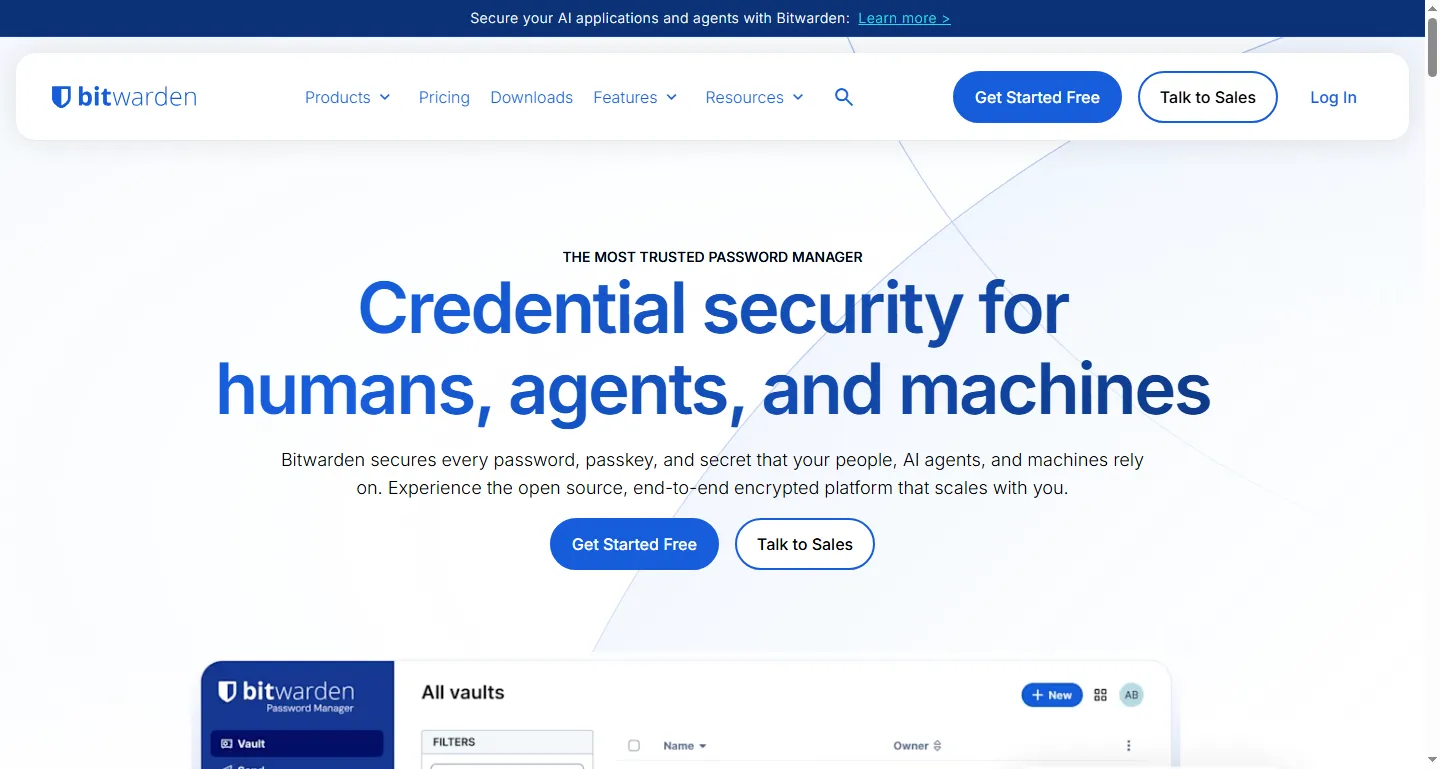
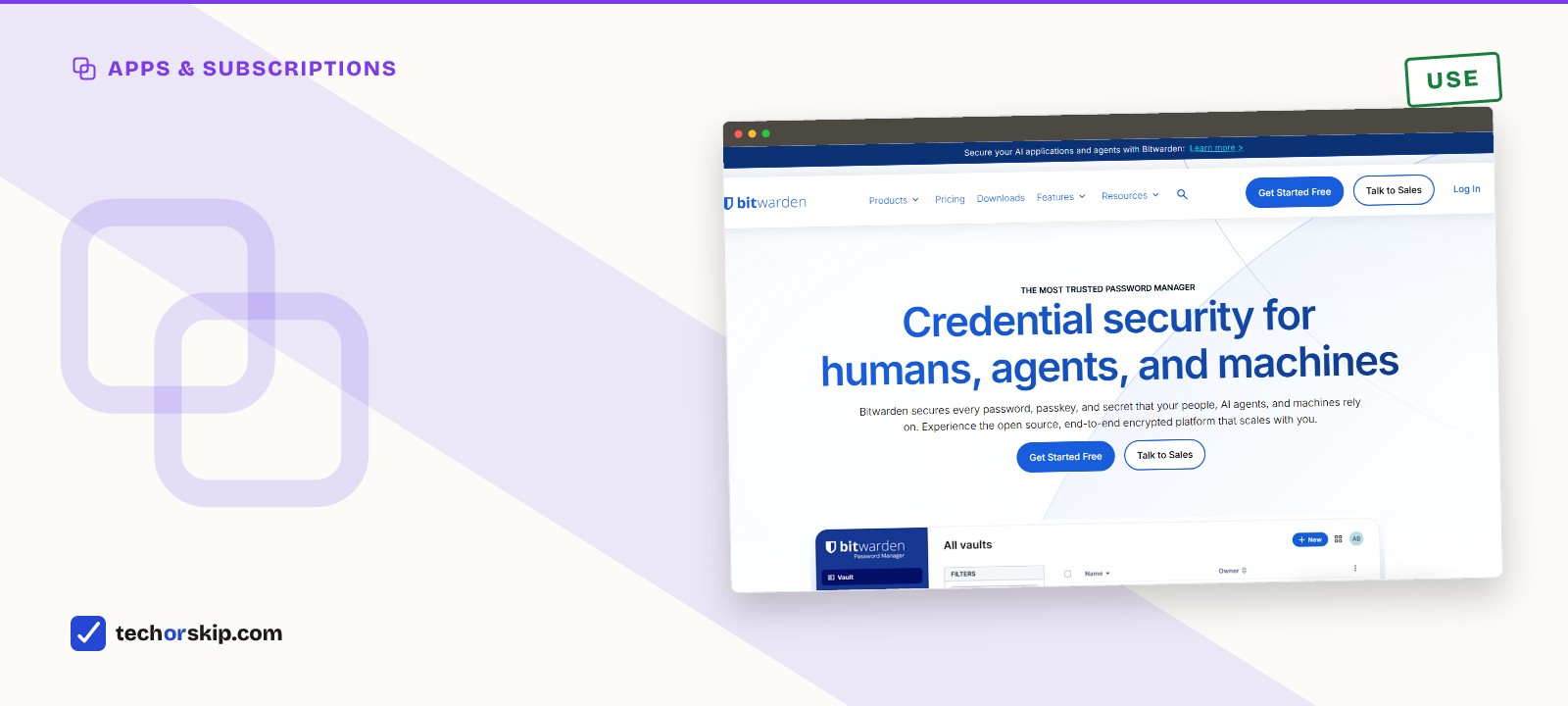
Bitwarden’s homepage. No paywall messaging up front, which matches how generous the free tier actually is.
Bitwarden’s pricing page lists a free plan with unlimited passwords, unlimited devices, cloud sync, a password generator, passkey support, and sharing with one other person. Premium runs $1.65 a month billed annually, or $19.80 for the year, and adds an integrated authenticator for TOTP codes, 5 GB of encrypted file attachments, vault health reports, and emergency access. None of that matters to most people on day one.
The audit record is the part that’s easy to overlook. Bitwarden publishes a list of who has reviewed its code and when: Cure53 across 2021 to 2023, Fracture Labs in 2024 and 2025, IOActive in 2024, Palo Alto’s Unit 42 on the mobile apps in 2025, and the Applied Cryptography Group at ETH Zurich on its cryptography in 2025. It also holds ISO 27001 certification and SOC 2 Type 2. Very few consumer apps of any kind lay that out in public.
It’s open source, works on every major platform, and doesn’t push you toward upgrading to use core features. For most ordinary users, this is the one to start with.
Locking down your accounts doesn’t stop at passwords, either. Our rundown of phone settings worth changing immediately covers the device-level habits that matter just as much.
1Password: pay for polish, not for capability
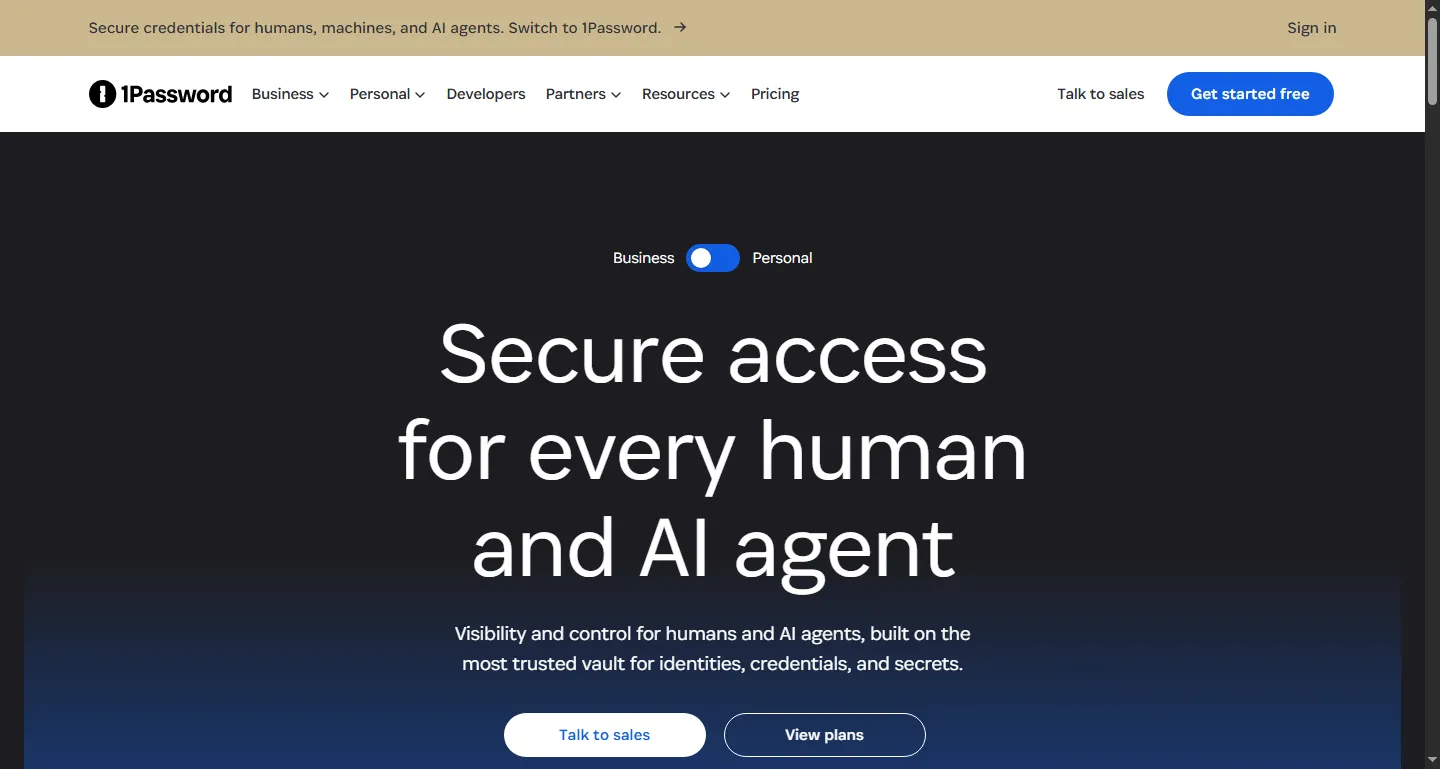
1Password’s homepage. No free tier anymore, just a trial.
1Password has no free tier. Its pricing page offers a 14-day trial, then $2.99 a month billed annually (or $3.99 month to month) for an individual, and $4.49 a month billed annually for a family plan covering up to five people.
What you’re buying is the experience rather than a capability Bitwarden lacks. Family sharing is designed into the product from the start rather than added at a paid tier, and the onboarding is noticeably gentler. That’s our read, not a measured result. It’s the option we’d point at for setting up a less technical family member who’d abandon a confusing app, and it’s hard to justify over Bitwarden for a single technical user.
Apple Passwords: free and built in, if you’re all-Apple
Apple’s Passwords app, the modern iCloud Keychain, is free on iPhone, iPad, Mac, and Vision Pro. Apple’s support documentation covers autofill, password generation, passkeys, verification codes, Wi-Fi passwords, and shared groups. Windows users aren’t locked out either: iCloud for Windows includes an iCloud Passwords app plus browser extensions for Chrome and Edge.
The catch is at the edges. Reporting on the Windows app has consistently noted that passkey access there lags behind password access, and sharing works most reliably when everyone involved is on Apple hardware. If your household mixes Android and Windows, expect rough spots.
Google Password Manager: free, already on your phone, one setting worth knowing
Built into Chrome and Android at no cost, Google Password Manager handles autofill, a password generator, breach alerts, and passkeys. If you’re already signed into Chrome and Android with the same account, it needs zero setup.
The detail most people miss is encryption. Google’s own help page is direct about it: without on-device encryption, “the encryption key, used to access your passwords, is safely stored in your Google Account.” Turn on-device encryption on and only your device can open the vault. It’s opt-in, and Google warns it can’t be undone once enabled. Google says it will eventually be set up for everyone, but until then, the default is not the zero-knowledge model people assume they’re getting.
If you use Google Password Manager, turn on-device encryption on deliberately, and understand that losing your recovery method means resetting the feature and deleting the saved passwords with it.
Dashlane: paid only now, bundles a VPN
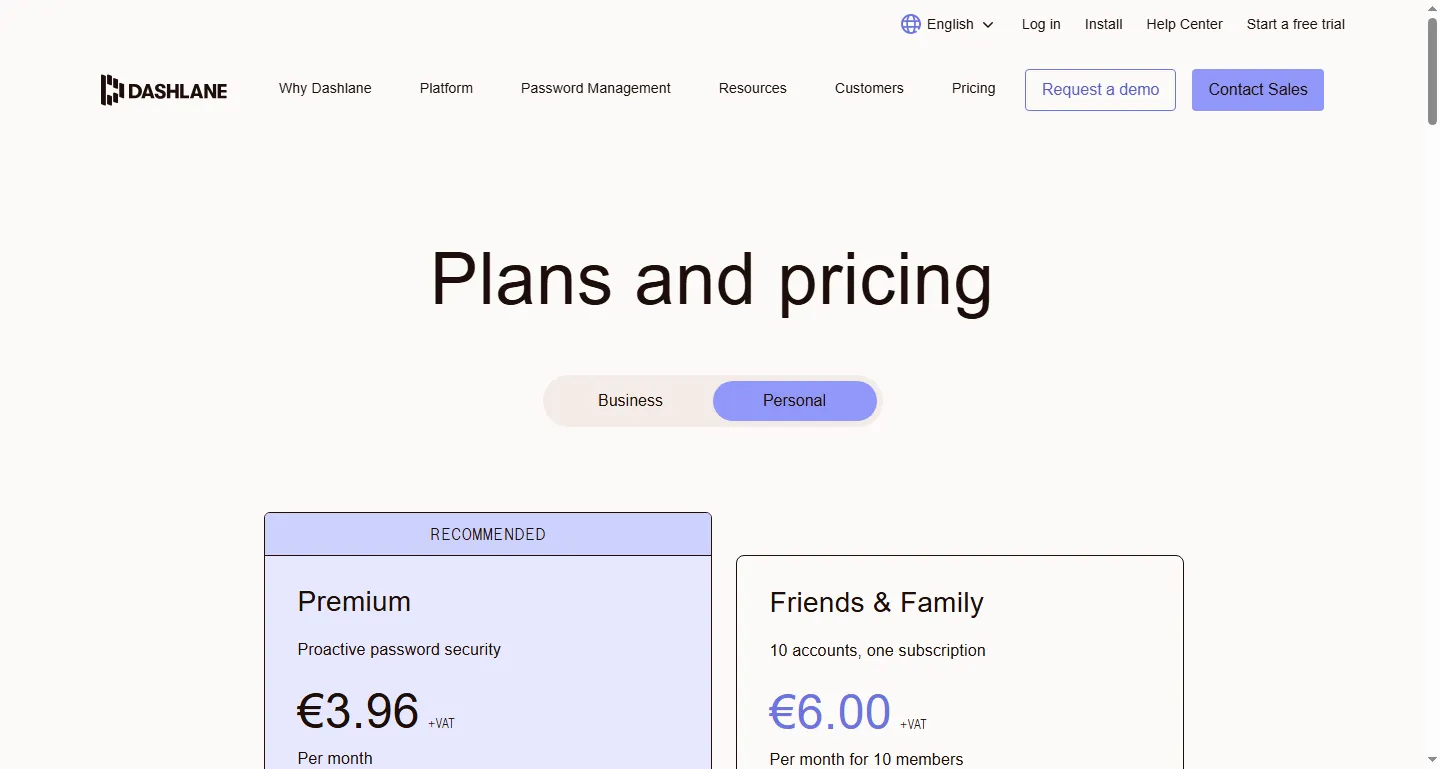
Dashlane’s personal plans page, showing the Premium and Friends & Family tiers. Amounts vary by region, so check the page for your own.
Dashlane discontinued its free plan on 16 September 2025. Its personal page now lists two tiers: Premium, which includes one VPN connection and dark web monitoring, and Friends & Family, which covers ten accounts. Security.org’s pricing tracker puts Premium at $4.99 a month billed annually and Friends & Family at $7.49.
If you were already going to pay separately for a password manager and a VPN, the bundle can pencil out. Check free VPN vs paid VPN before assuming that math works in your favor, because a bundled VPN and a good standalone VPN are not the same product. For most ordinary users who just want password management, Dashlane lost its main argument when the free tier went away.
Do passkeys replace a password manager?
Passkeys are the login method meant to replace passwords entirely: a device-based key pair instead of a string you type. Every manager here now stores and syncs them.
Adoption is still uneven. Plenty of sites you use daily don’t support passkeys, and many that do keep a password as a fallback, which means the password still exists and still needs storing. Passkeys are a reason to pick a manager that handles both well. They’re not a reason to skip having one.
What actually matters day to day
Security architecture differences between the major players are smaller than their marketing suggests. All of these use strong, audited encryption. What separates them in daily life is autofill reliability, family sharing, cross-platform support, and whether the free tier syncs across every device you actually own.
Family sharing deserves a specific look if you’re setting this up for a household. Bitwarden’s free plan shares with exactly one other person, so a paid Families plan at $47.88 a year for up to six people is the practical route for shared streaming logins or a joint account. 1Password builds family sharing in from the start. Apple and Google both support sharing inside their own ecosystems, and both get less reliable the moment someone in the house is on a different platform.
Worth it for
- Stops password reuse, the single biggest account-security risk
- Free tiers now cover most single-user needs completely
- Passkey support is standard across every option here
- Bitwarden publishes its audit history, so the security claims are checkable
Skip it if
- Migrating between managers is tedious and easy to put off
- One master password (or biometric) becomes a single point of failure
- Built-in options from Apple and Google work best only inside their own ecosystem
- Google's stronger encryption mode is opt-in and cannot be reversed
Alternatives
- Auditing your whole app stack while you’re at it? See which tech subscriptions you can replace for free.
- Worried about sketchy add-ons? Read AI browser extensions you should avoid. Password managers are a favorite disguise for fake extensions.
- Considering a VPN bundle like Dashlane’s? Compare it against a standalone option in free VPN vs paid VPN first.
Verdict
USE. Pick Bitwarden if you want the most generous free tier and the clearest audit record. Pick 1Password if a smoother setup for someone else is worth $36 a year. Use your platform’s built-in manager if you’re fully inside one ecosystem and want zero setup, and if you pick Google’s, turn on on-device encryption. Pay for anything beyond that only once a free tier’s limits, whether that’s TOTP codes, file attachments, or family sharing, actually cost you something.
Common questions
Is Bitwarden’s free plan enough?
For most people, yes. Bitwarden’s free tier includes unlimited passwords, unlimited devices, sync, passkey support, and sharing with one other person, all without a paid upgrade. Premium adds an integrated authenticator, file attachments, and emergency access for $1.65 a month, which matters only once you actually need one of those specific features.
Is a password manager worth it, or is using browser passwords enough?
Built-in options like Apple Passwords and Google Password Manager are free, capable, and genuinely fine if you live entirely inside one ecosystem. They get less reliable the moment your household mixes Apple, Android, and Windows devices, which is where a dedicated manager like Bitwarden earns its place. Either way, a manager beats reusing passwords, which is the real risk.
Is 1Password worth paying for compared to free password managers?
1Password has no free tier, just a 14-day trial, then $2.99 a month billed annually. What you’re paying for is polish rather than capability Bitwarden’s free plan lacks: gentler onboarding and family sharing built in from the start. It’s the option worth choosing for setting up a less technical family member; a single technical user has a harder time justifying it over Bitwarden.