Most people don’t need a paid AI subscription. They need to know which free tool to open for which job, and where that tool quietly stops being useful.
This list skips the marketing and sticks to tools with a free tier that works day to day. Not a seven-day trial dressed up as “free,” and not a tier so thin it’s a demo. Each one earns its spot for a specific job.
If you’re trying to decide whether to pay for anything, read which AI subscription is actually worth paying for afterwards. This article is about what you can skip paying for entirely.
How we picked these
Three rules. A tool made the list only if its free tier needs no credit card, doesn’t expire, and completes a real task rather than a taste of one.
Every limit below comes from the provider’s own pricing or support page, checked in July 2026, and each one is named where it’s used. Two of these providers publish exact numbers, which makes them easy to hold to account. The rest are vaguer, and this article says so rather than inventing a figure to fill the gap.
That’s the honest state of free AI tiers right now: some caps are documented, several are not, and the undocumented ones change without announcement. Check the page before you build a workflow on any of them.
Free tier limits, compared
| Tool | Free limit | Best for |
|---|---|---|
| ChatGPT (OpenAI) | Rolling message cap, not published by OpenAI. Ads on some answers in the US | General chat, quick drafting |
| Gemini (Google) | Sliding capacity based on prompt complexity, not a flat daily count | Google Workspace users |
| Claude (Anthropic) | Rolling message cap, not published. Chat on web, mobile and desktop | Longer, careful writing and analysis |
| Perplexity | Unlimited basic search, small daily allowance of Pro searches | Quick fact-checking with sources |
| Duck.ai (DuckDuckGo) | Usage caps, no account required | Anonymous AI chat |
| Google Notebook | 100 notebooks, 50 sources each, 50 chats/day, 10 Deep Research/month | Summarizing your own documents |
| Canva | A shared monthly AI allowance across all AI tools | Occasional quick graphics |
| Otter.ai | 300 minutes/month, 30 min per conversation, 3 lifetime file imports | Transcribing a few meetings a month |
ChatGPT: the default for general questions
ChatGPT’s free tier still does the most for the widest range of people. Web search, image generation, file uploads, voice mode, no expiry, no card. It’s the right first stop for anything from an email draft to a recipe substitution.
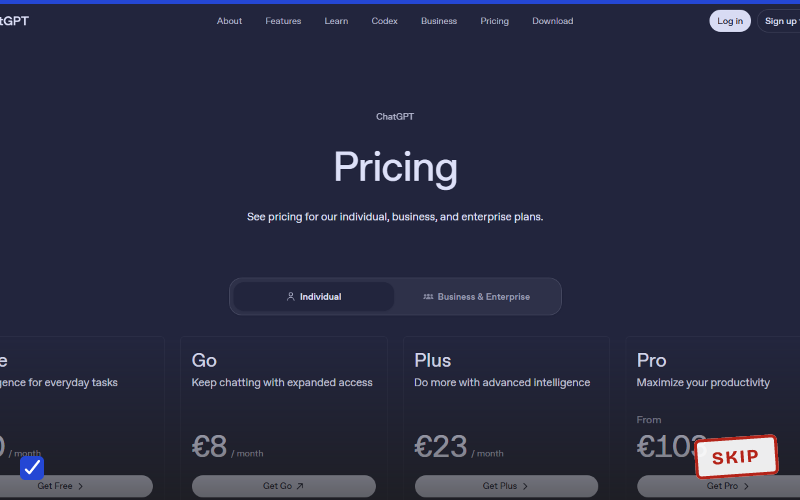
Two catches, and the second one is new. The message cap is real but undocumented; OpenAI publishes no number, and hitting it drops you to a lighter model rather than cutting you off. And since February 2026, according to reporting by Axios, US users on the Free and Go tiers see ads beneath some responses. Plus and above stay ad-free.
If you’re bumping into either regularly, our ChatGPT Free vs Plus breakdown covers when upgrading pays off.
Gemini: best if you live in Google’s apps
Gemini’s free tier changed shape in 2026. Google moved off flat daily prompt counts to a sliding capacity model that weighs how long your prompt is, how many files you attach, and which tools you invoke. A quick question costs you very little. A long document analysis costs a lot.
That makes it harder to plan around than it used to be, and it’s worth knowing before you start a big task on the free tier and get cut off mid-way.
What earns Gemini its place isn’t the chat window anyway. It’s that free access shows up inside Gmail, Docs, Sheets, and Drive, so you get help without switching tabs. Obvious pick if your work already lives there.
Claude: best for longer writing and analysis
Anthropic’s pricing page lists the free tier as chat across web, iOS, Android, and desktop, with code generation, data visualisation, memory across conversations, and extended thinking for harder problems. Several of those were paywalled a year ago.
Usage limits aren’t published, and the most capable model stays behind the paywall. For long documents, careful edits, or anything where you want the thread held across a lot of context, Claude’s free tier is worth having open alongside ChatGPT rather than instead of it.
Perplexity: best for fast, sourced answers
Perplexity’s free tier gives unlimited basic searches plus a small daily allowance of Pro searches on more capable models. No account needed for the basic tier at all.
It earns its spot by showing sources with every answer by default, which makes checking a claim faster than pasting a chatbot’s answer into a search bar. It isn’t a general assistant. It’s a research shortcut, and it’s good at that specific thing. Worth pairing with our guide to AI research and source checking, since inline sources speed up verification without removing the need for it.
Duck.ai: best for staying anonymous
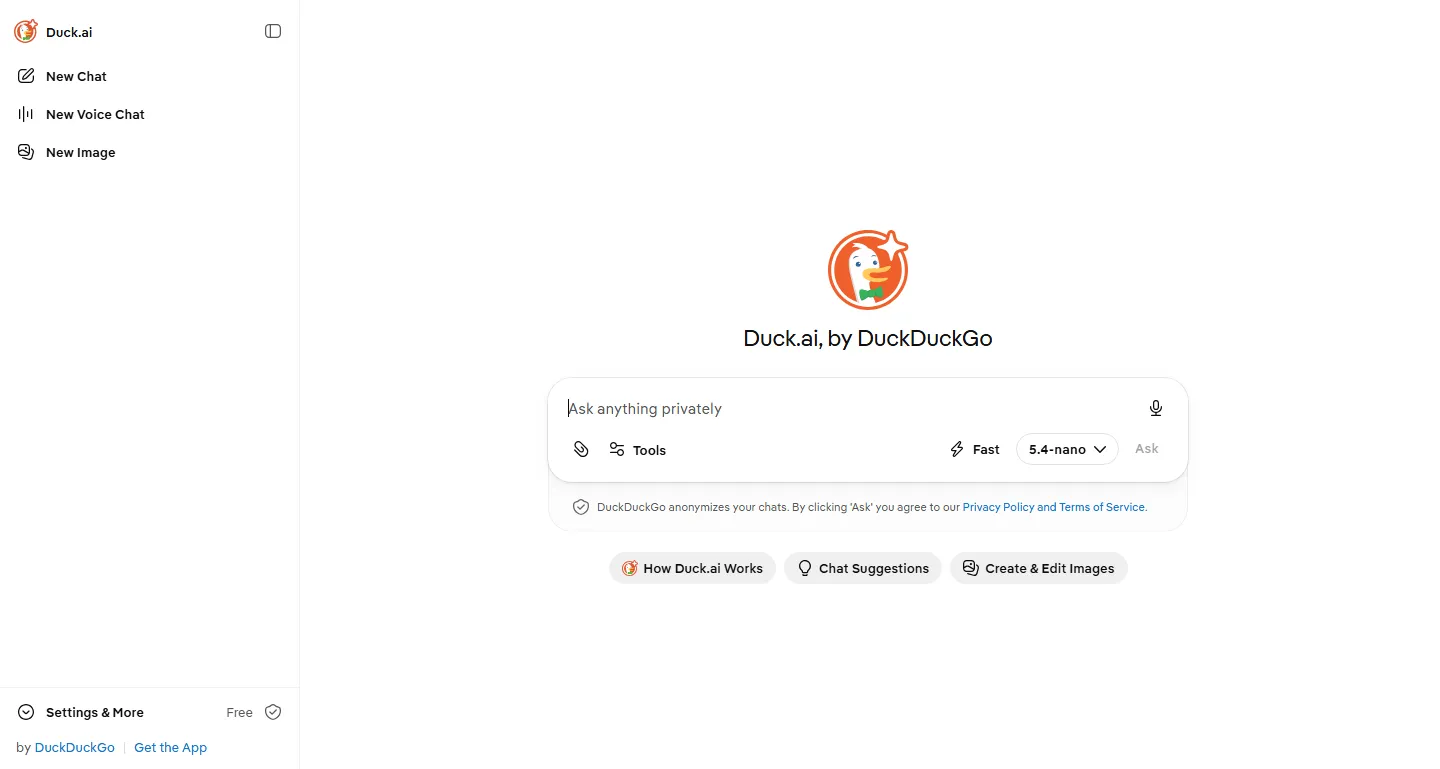
Duck.ai’s chat screen. No account button anywhere in sight, which is the entire point.
DuckDuckGo’s Duck.ai lets you chat without creating an account. Its help page currently lists Anthropic’s Claude 4.5 Haiku, Mistral Small 4, and OpenAI’s GPT-5.4 nano and GPT-5.4 mini among the free models. DuckDuckGo describes the service as “private conversations with 3rd-party AI chat models, anonymized by us,” and states on the same page that it doesn’t store your prompts or train on your data.
Those are lightweight models, so don’t bring it deep reasoning work. For a quick question you’d rather not have attached to an account, it’s the best option here. If AI privacy is a broader concern, read which AI browser extensions to avoid before installing anything that promises similar anonymity without delivering it.
Google Notebook: best for your own documents
Google Notebook’s page, still better known by its old name, NotebookLM, to a lot of people.
Google’s document-grounded assistant, renamed from NotebookLM, answers only from sources you upload. That grounding is why it fabricates less than an open-ended chatbot does.
This is the one tool here with fully documented limits. Google’s support page lists the free tier at 100 notebooks, 50 sources per notebook, 50 chats a day, three audio and three video overviews a day, and 10 Deep Research runs a month. No guessing required, which is refreshing.
It earns its place for a specific job: turning a pile of your own documents into something you can query instead of re-reading.
Canva: best for occasional quick graphics
Canva’s AI page. The free plan’s AI allowance is shared across every AI feature, not granted per tool.
Canva’s free plan includes AI image generation and Magic Write, which is enough for someone who needs a graphic every week or two. The structure matters more than the exact number here: the allowance is a single monthly pool shared across all the AI tools rather than a separate budget for each, so generating a few images eats into what you have left for everything else.
Canva has revised those caps more than once, so check the current pricing page rather than any figure you read in an article, including this one. It earns a spot for the person who needs one decent graphic for a flyer and doesn’t want to learn a design tool to get it.
Otter.ai: best for a few meetings a month
Otter’s homepage. The free tier suits a light meeting schedule, not a full calendar of them.
Otter’s pricing page puts the free plan at 300 transcription minutes a month with a 30-minute cap per conversation, plus speaker identification and integrations with Zoom, Teams, and Meet.
One limit deserves more attention than it gets: three lifetime audio or video file imports. Not three a month. Three, ever. Otter’s free tier is built for live recording, so if your plan was uploading old recordings, this is where it stops. AI Chat is also capped at 20 queries a month.
For one or two meetings a week, recorded live, it’s genuinely enough.
Worth it for
- Covers chat, research, documents, transcription, and quick design without paying anything
- No credit card required for any tool on this list
- Free tiers here complete real tasks rather than demonstrating a paid feature
Skip it if
- Several providers no longer publish their free limits, so you cannot plan around them
- Limits reset on different schedules: daily, monthly, per session, and in one case per lifetime
- ChatGPT's free tier now shows ads in the US, which it did not a year ago
Alternatives
- If you’re weighing whether any AI subscription is worth the money, our subscription verdict covers who should pay and who shouldn’t.
- Already paying for ChatGPT Plus and unsure it’s earning its keep? ChatGPT Free vs Plus lists the specific triggers worth upgrading over.
- Auditing subscriptions beyond AI? Check tech subscriptions you can replace for free.
Verdict
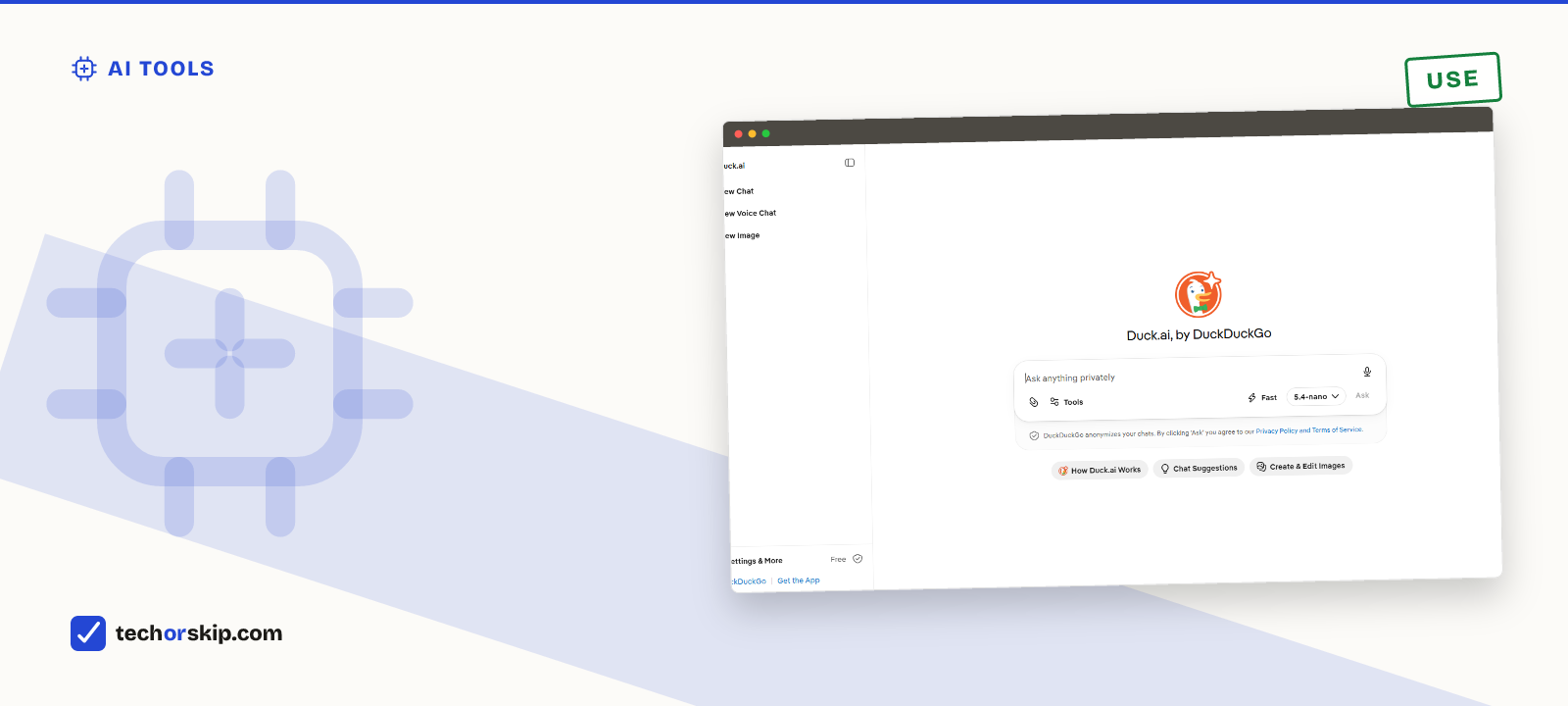
USE. These eight cover chat, research, document analysis, transcription, and basic design for nothing.
Start here before paying for anything. Then upgrade only the one tool whose limit you’re actually hitting, rather than all of them at once because a paid tier exists.
Common questions
Which free AI tools are actually useful?
Eight stand out for finishing a real task rather than teasing a paid one: ChatGPT and Claude for general chat, Gemini if you already live in Google’s apps, Perplexity for sourced answers, Duck.ai for anonymous chat, Google Notebook for your own documents, Canva for occasional graphics, and Otter.ai for a few meetings a month. Each earns its spot for a specific job, not for being the best at everything.
Is ChatGPT Go worth it or should I get Plus?
Go costs $8 a month and raises ChatGPT’s limits over the free tier, but it still shows ads and skips the flagship model, so it’s a narrower fix than it looks. If free-tier limits are your only complaint, our ChatGPT free vs Plus breakdown covers when Plus, not Go, actually pays for itself.