“Best AI for coding” usually gets answered with vibes. One impressive autocomplete in a screenshot. A viral demo of an agent building an app from nothing. None of that tells you how a tool handles the boring 90% of real work: fixing someone else’s bug, reading legacy code, writing the tests nobody wanted to write.
Four tools dominate the question. ChatGPT, Claude, and Gemini are general assistants with coding features bundled in. GitHub Copilot is a dedicated coding tool that lives in your editor. They cost different amounts, they’re built around different assumptions, and the published evidence about whether any of them make you faster is messier than the marketing suggests.
How we compared
Prices and plan limits come from each vendor’s own pricing page, checked in July 2026. GitHub publishes exact numbers, which makes Copilot the easiest of the four to pin down; the others are vaguer, and we say so where they are.
For capability we use two public benchmarks that document their methodology, the Aider polyglot leaderboard and METR’s randomized trial, both named inline below. Neither is a substitute for trying a tool on your own code, and both are cited here for what they actually measure rather than as a ranking to copy.
There’s no private test run behind this article. A single developer’s afternoon with four tools would produce a confident-looking table that nobody, including us, could reproduce.
What the coding benchmarks measure
The most useful public coding benchmark for consumer purposes is Aider’s polyglot leaderboard, which runs models against 225 Exercism exercises across C++, Go, Java, JavaScript, Python, and Rust. It scores twice: once on the first attempt, and again after the model sees the failing test output. That second number is the interesting one, because it measures whether a model can act on an error message rather than just produce plausible code once.
Aider also tracks how often a model returns a malformed edit, which is the failure mode you’ll actually hit in daily use and which almost no headline benchmark reports.
Two caveats before you read anything into a leaderboard position. The frontier moves fast, with the top polyglot score climbing more than 25 percentage points in roughly fifteen months. And Exercism exercises are self-contained puzzles, nothing like a 200,000-line codebase with its own conventions and half-documented internal libraries.
The study that complicates the whole category
The most rigorous evidence available doesn’t flatter any of these tools.
METR ran a randomized controlled trial with 16 experienced open-source developers working on 246 real issues in repositories they already maintained. Their finding: “When developers are allowed to use AI tools, they take 19% longer to complete issues.” The developers had predicted a 24% speedup beforehand. Afterwards, having actually been slower, they still estimated AI had made them 20% faster.
That perception gap is the part worth sitting with. It suggests the feeling of moving fast with an AI assistant is unreliable evidence about whether you are.
Be fair to the finding, though. It tested early-2025 tools with experienced developers on codebases they knew deeply, which is close to the worst case for AI assistance, since the humans had every advantage. METR published an update in February 2026 revising its experiment design for follow-up work, so treat the 19% as one strong data point rather than a settled law. Newcomers to an unfamiliar codebase may well see the opposite effect.
What each option costs
| Tool | Free tier | Paid plan | Price |
|---|---|---|---|
| GitHub Copilot | 2,000 completions and 50 chat requests a month | Pro | $10/mo |
| GitHub Copilot | Same free tier | Pro+ | $39/mo |
| GitHub Copilot | Same free tier | Max | $100/mo |
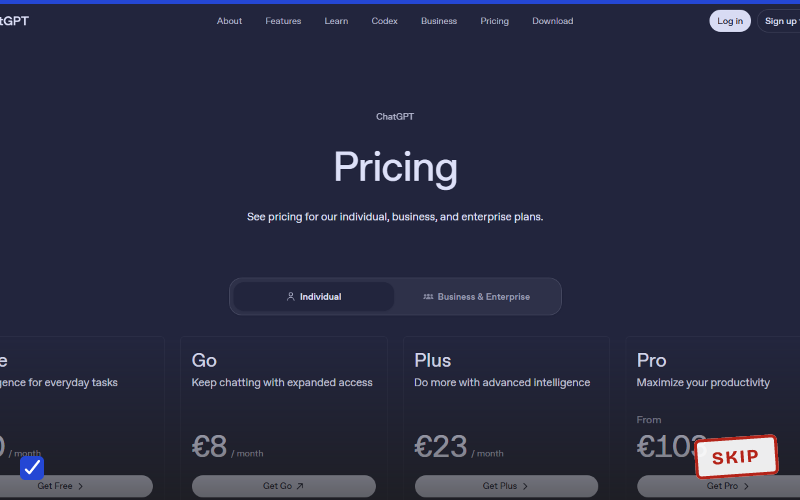
| ChatGPT | Yes, limited | Plus (includes Codex) | $20/mo |
| Claude | Yes, limited | Pro (includes Claude Code) | $20/mo, or $17/mo annually |
| Gemini | Yes, limited | Google AI Pro | $19.99/mo |
GitHub’s plans page is unusually specific about what you get, and the detail matters. Paid Copilot tiers bundle a monthly credit balance for AI interactions rather than flat-rate unlimited use: $15 of credits on Pro, $70 on Pro+, and $200 on the $100 Max tier. Code completions stay unlimited on all paid tiers. Agentic work is what draws the credits down.
That structure makes Copilot the cheapest entry point at $10 and the hardest of the four to budget for, at the same time. If you lean on agents heavily, your effective cost is a credit-burn question, not a subscription question.
The free tier deserves its own mention. 2,000 completions and 50 chat requests a month, no card required, is more usable coding help at $0 than any of the three chat assistants offer. That’s not the only free option worth knowing about: our roundup of free AI tools that are genuinely useful covers what else costs nothing across writing, research, and design.
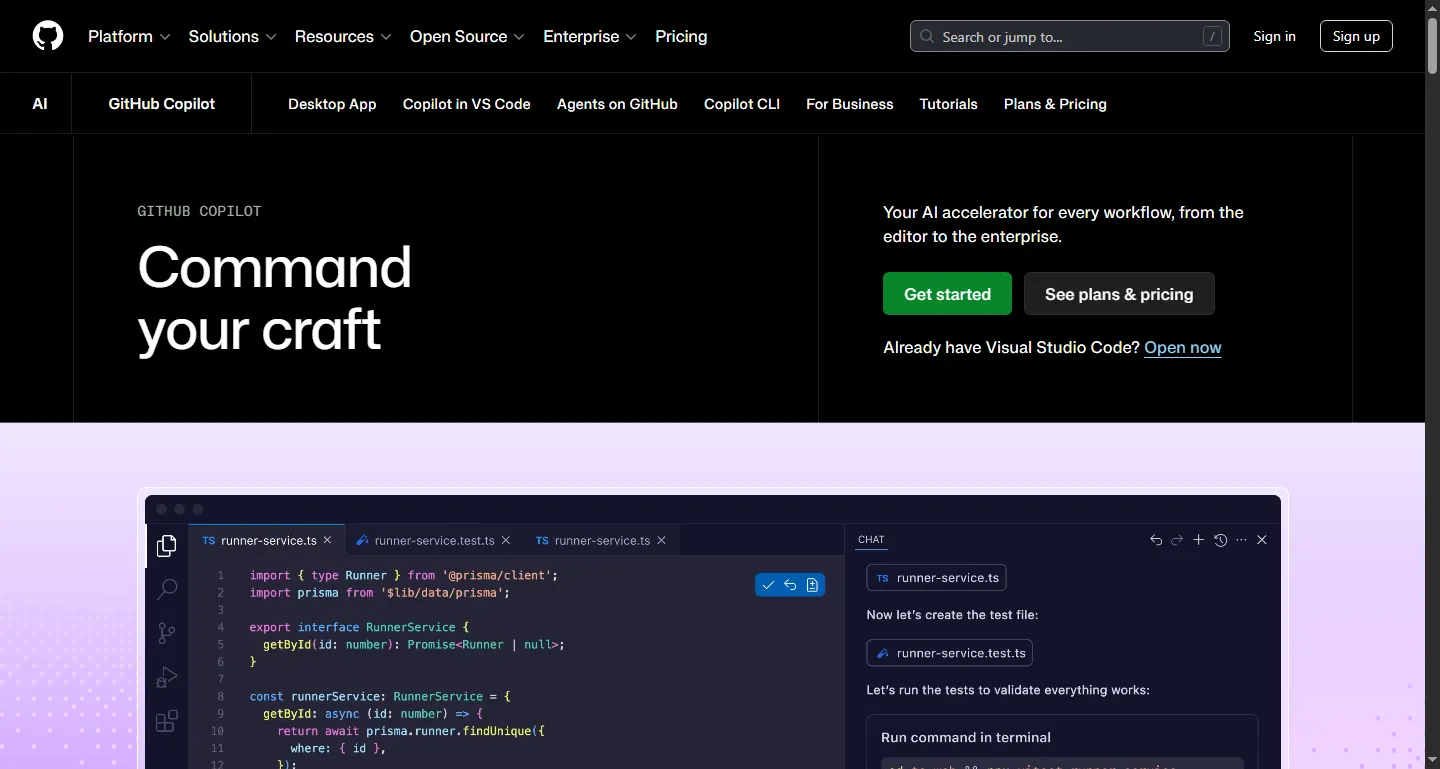
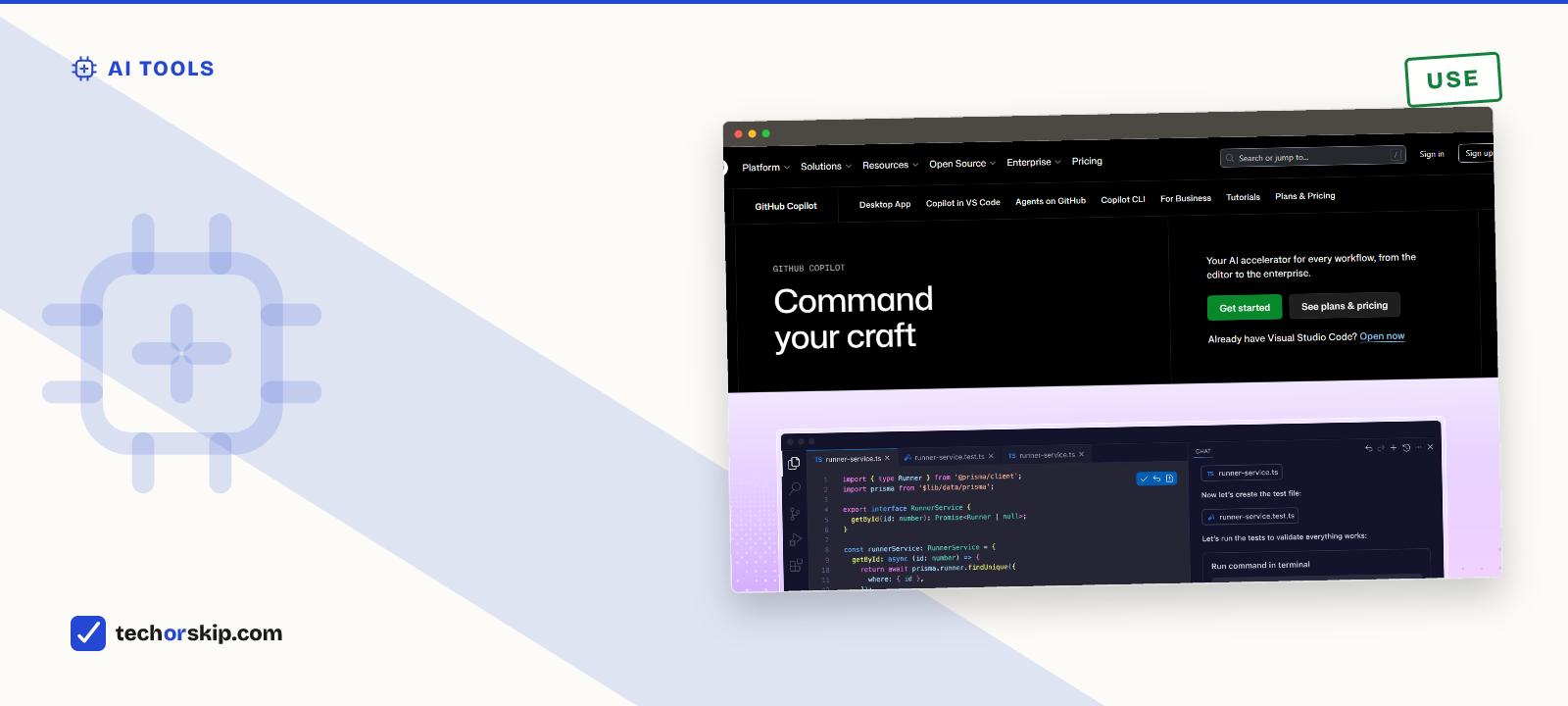
GitHub’s Copilot page. It’s the only tool here built around living inside your editor from the start.
How the tools are built for coding
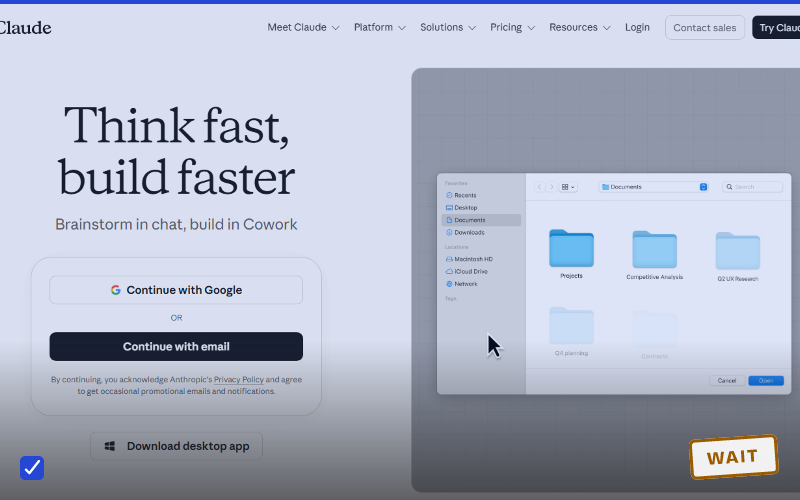
Claude Pro bundles Claude Code, a command-line coding agent, into the $20 tier rather than selling it separately. Anthropic’s pricing page lists it alongside Cowork and Claude Design, and the plan copy is aimed at professional work over casual chat.
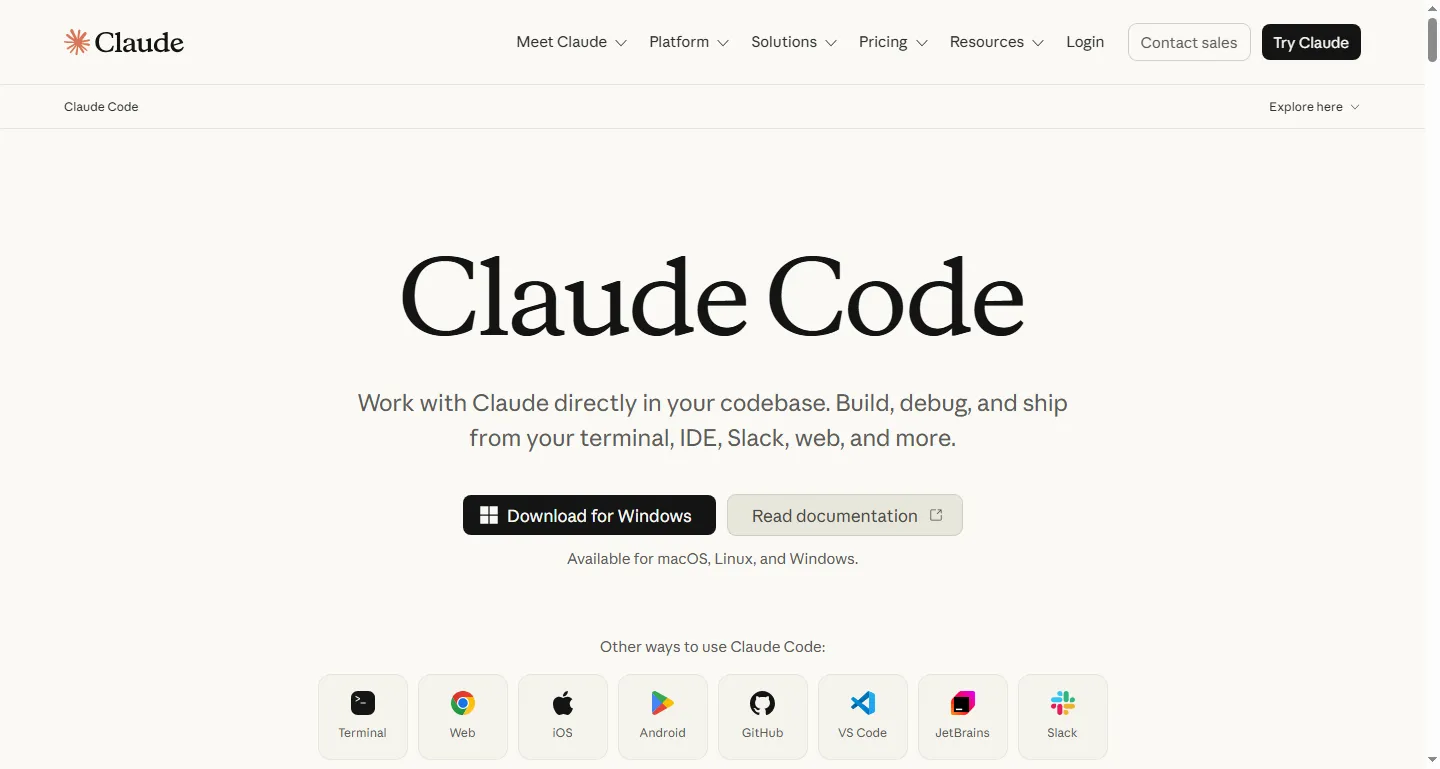
Claude Code’s product page. It ships as part of the Pro subscription rather than a separate purchase.
ChatGPT Plus bundles Codex, OpenAI’s coding agent, on the same terms. If you want one subscription that also covers writing and research, it’s the most general-purpose of the four.
Gemini doesn’t bundle a dedicated coding agent into the consumer AI Pro tier. Google’s coding strength shows up through its developer platform instead, a step removed from the subscription most consumers would buy. If coding is your main use, it’s the least specialized option here.
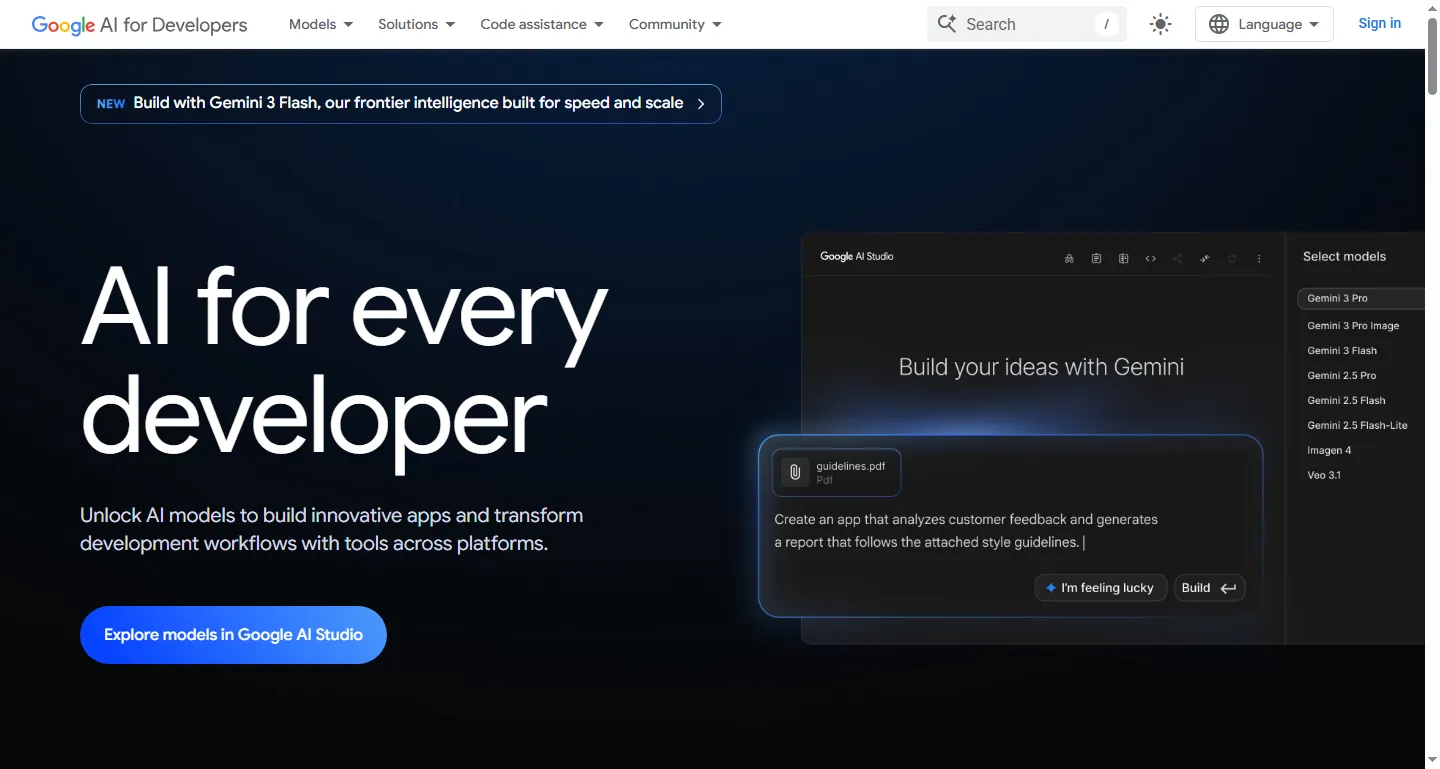
Gemini’s coding tools live on Google’s developer platform, a step removed from the consumer subscription.
GitHub Copilot is the only one built coding-first rather than chat-first. It runs inside your editor and takes your actual codebase as context by default, which is a structural advantage that no amount of model quality gives a chat window in a separate tab.
Why hallucinated code is a bigger risk than it looks
A hallucinated fact in a chat response is easy to spot. It reads oddly, or you can check it in ten seconds. Hallucinated code is worse because it looks entirely normal: a call to a library method that doesn’t exist, a parameter renamed three versions ago, an import that’s subtly wrong.
The risk rises on exactly the tasks that look most impressive. Multi-file agentic changes across a real codebase mean more lines you didn’t read, and more chances for a confidently wrong function call to survive into a pull request. Read those diffs hardest, not least.
This is also the most likely mechanism behind METR’s result. Reviewing and correcting plausible-looking generated code takes real time, and it’s time that doesn’t feel like work.
Which one to start with
| Your situation | Start with | Why |
|---|---|---|
| Occasional scripting or homework-level code | Copilot free tier | 2,000 completions a month at no cost, no card required. |
| Daily work in one editor on an existing codebase | Copilot Pro at $10 | Cheapest paid tier here, and it sees your project context by default. |
| Coding plus writing and research on one bill | Claude Pro or ChatGPT Plus | Both bundle a coding agent into a $20 plan that also does everything else. |
| Command-line and long-context refactoring work | Claude Pro | Claude Code is a terminal agent, and Anthropic prices the plan around that work. |
| Already deep in Google Workspace | Google AI Pro | Convenient, but the weakest of the four specifically for coding. |
| Heavy agentic use | Budget carefully | Copilot paid tiers meter agent work against a monthly credit balance. |
If you’re weighing a coding-focused subscription against a general-purpose one, our ChatGPT vs Claude vs Gemini comparison and the subscription breakdown both cover that trade-off from angles beyond code.
Worth it for
- A dedicated tool like Copilot sees your actual project context by default, which chat-based tools cannot match
- General-purpose assistants let you cover coding and non-coding work on one subscription
- Every tool here has a free or $10 entry point, so trying one on your own code costs almost nothing
Skip it if
- The best available randomized trial found experienced developers were slower with AI, not faster
- Agentic multi-file tasks are the most likely to invent a function or API that does not exist
- Credit-based billing on Copilot paid tiers makes real monthly cost harder to predict than a flat subscription
One habit worth adopting whichever tool you pick: never merge AI-generated code you haven’t run. A single test run catches most invented function calls and broken imports before they become someone else’s problem in review.
Alternatives worth a look
- Cursor or Windsurf. AI-native editors built around agentic coding from the start, rather than a plugin added to a workflow that predates AI.
- JetBrains AI. Worth checking if you already work in IntelliJ or PyCharm and would rather not change editors to get AI features.
- Nothing at all. Given METR’s findings, staying unassisted on code you know well is a defensible choice, not a Luddite one.
The verdict
USE, with your eyes open. These tools genuinely help on unfamiliar code, boilerplate, and test writing. The evidence that they speed up experienced developers on code they already know is weaker than the marketing implies, and the one rigorous trial available points the other way.
Practically: start on Copilot’s free tier if you mostly want completions, or a $20 assistant plan if you want coding and everything else on one bill. Measure your own before-and-after on real tasks rather than trusting how fast it feels, because METR’s developers were wrong about that by 39 percentage points. For the same honest treatment of these tools on the research side, see our best AI for research breakdown.
Common questions
GitHub Copilot vs Cursor: which is worth paying for?
Copilot is the cheaper, better-documented option: $10 a month for Pro with unlimited completions and $15 of monthly model credits, against a free tier that already gives 2,000 completions and 50 chat requests a month. Cursor and Windsurf are AI-native editors built around agentic coding from the start rather than a plugin bolted onto an existing editor, which suits people who want agents to be the default workflow rather than an add-on. Try Copilot’s free tier before paying for either.
Which free AI tools are actually useful for coding?
GitHub Copilot’s free tier is the strongest option here: 2,000 completions and 50 chat requests a month, no card required, which beats what any general-purpose chat assistant gives you for coding specifically. For broader free AI tools beyond coding, our roundup of free AI tools that are genuinely useful covers writing, research, and design.