Every major AI company wants you on a $20-a-month plan. Some of that price is worth paying. A lot of it is aimed at people who would do just fine on the free tier and never notice the difference.
This isn’t a feature tour. It’s a money question: which AI subscriptions pay for themselves, and for whom? Price and documented usage limits answer that better than marketing copy does.
If you’re not sure you need to pay for AI at all, start here before picking a specific tool. Once you know you’re in the “should pay” group, our ChatGPT vs Claude vs Gemini comparison helps with which one.
How we compared
Prices below come from each provider’s own pricing page, checked in July 2026, plus one App Store listing where a provider blocks automated access to its site. No private benchmark, no scores invented in an afternoon. Where a provider publishes a number, we quote it and name the page; where a provider is vague, we say it’s vague rather than filling the gap with a guess.
The judgment in this article sits in one place only: who should pay. That part is ours, and it’s built on the pricing and limits below rather than on how good any tool felt to use.
How to judge “worth it” for yourself
A subscription is worth it when the free tier’s limits cost you more in friction and lost time than the plan costs in dollars. Nothing else. Not whether the paid tier has more features on paper.
There’s a cheap way to find out. For the next two weeks, note every time you hit a wall on a free tier: a rate limit, a locked feature, a “you’ve reached your limit” message. Write down the tool, what you were doing, and what you did next. Waited? Switched tools? Gave up?
More than two or three real blockers a week on one tool, and that tool’s paid plan has a case. Zero, and you have your answer.
What each plan actually costs
| Service | Free tier? | Paid plan | Price |
|---|---|---|---|
| ChatGPT | Yes | Go | $8/mo |
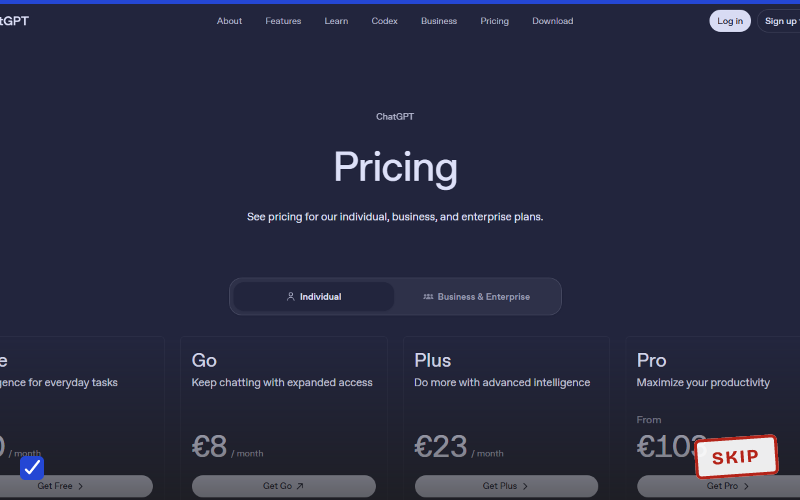
| ChatGPT | Yes | Plus | $20/mo |
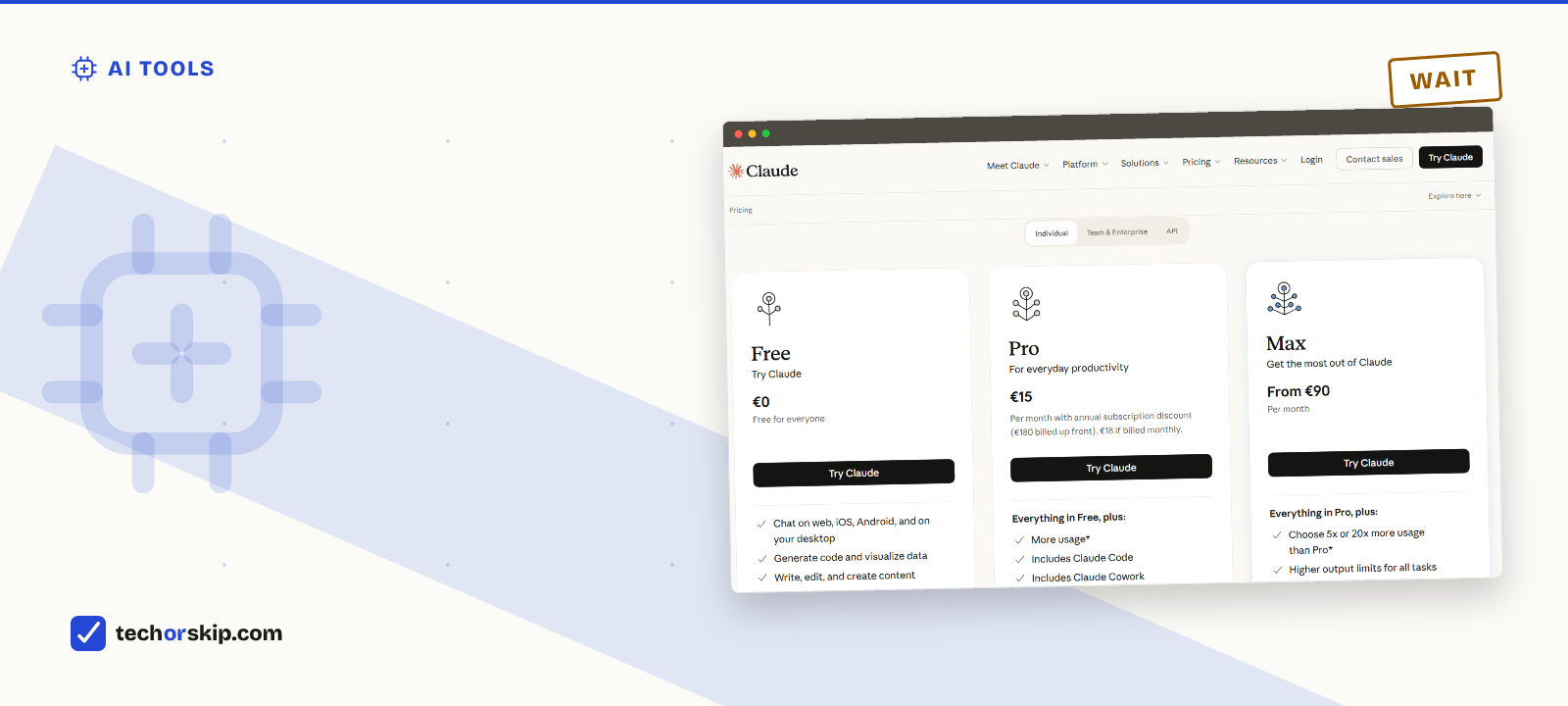
| Claude | Yes | Pro | $20/mo, or $17/mo billed annually |
| Gemini (Google AI) | Yes | AI Plus | $4.99/mo |
| Gemini (Google AI) | Yes | AI Pro | $19.99/mo |
| Perplexity | Yes | Pro | $20/mo, or $200/year |
| Microsoft Copilot | Limited | Microsoft 365 Premium | $19.99/mo |
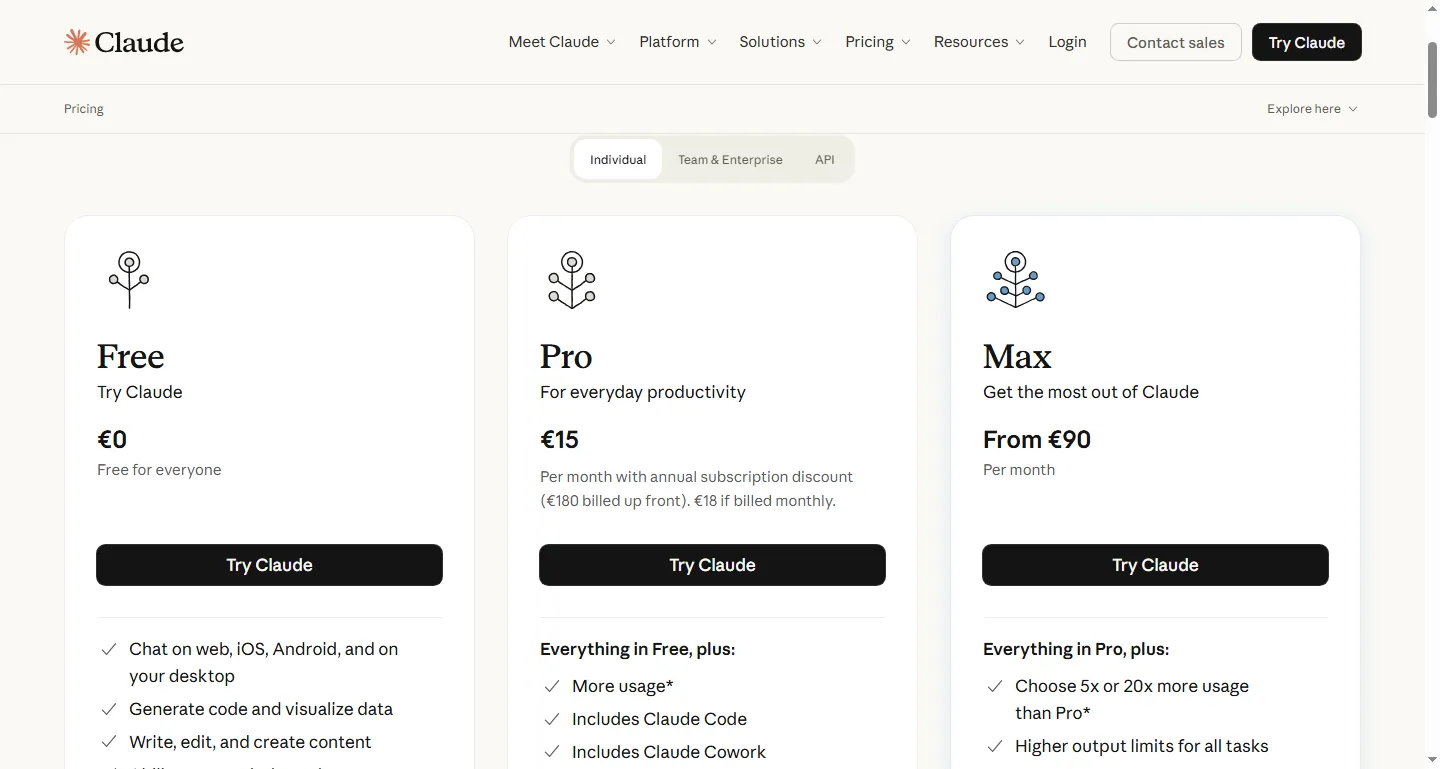
Claude’s own pricing page, worth checking directly since the annual discount changes the math.
Anthropic’s page is explicit that the $17 figure is annual billing, charged as $200 up front. Month to month, Claude Pro is $20 like most of this list. Google AI Plus at $4.99 is the cheapest real paid tier here by a wide margin, and it earns that price by being a modest limits bump rather than a full upgrade.
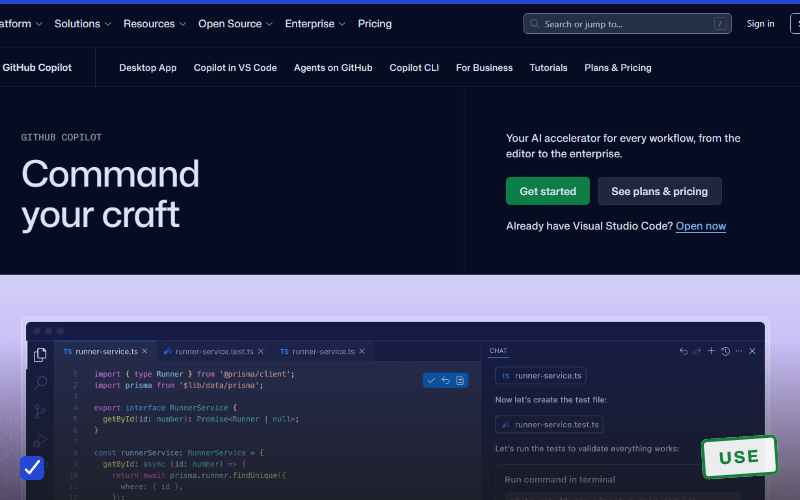
If coding is what’s actually driving your AI spend, our coding-tools comparison breaks down GitHub Copilot’s credit-based pricing against these flat-rate plans.
Perplexity: the prices are easier to find than the page
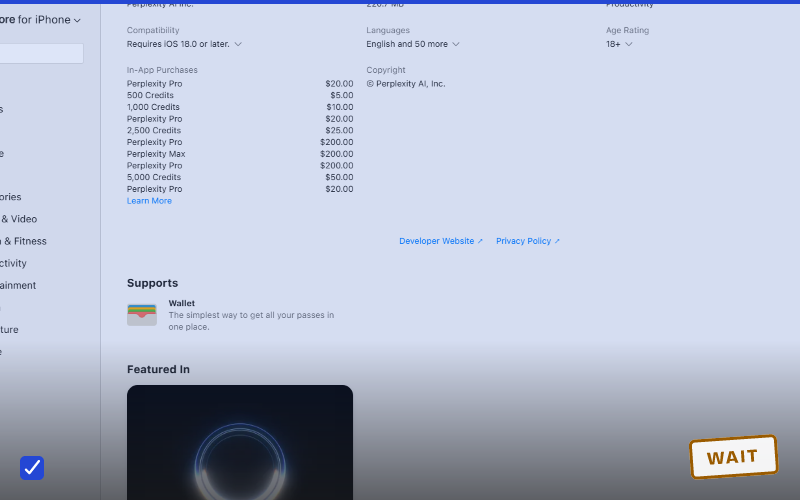
Perplexity is the odd one out for a boring reason. Its site sits behind a bot challenge, so we couldn’t capture the pricing page directly. Apple’s App Store listing publishes the same in-app purchase prices, which is a public source anyone can check.
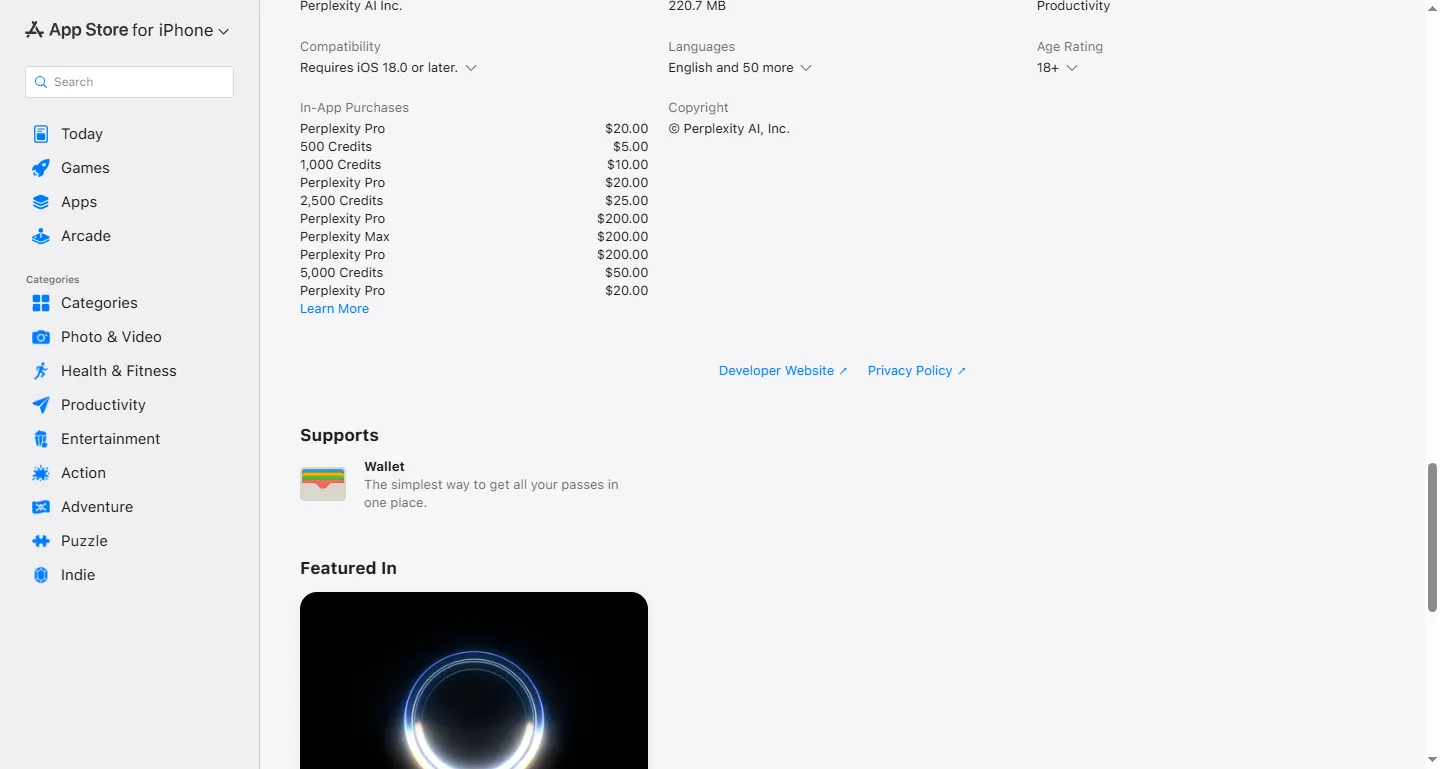
Perplexity’s App Store In-App Purchases list: Pro $20/month, Pro $200/year, Max $200/month, in USD. We used the store listing because perplexity.ai blocks automated capture.
That listing tells you something the marketing doesn’t. Pro at $200 a year is the same effective rate as $20 a month with no annual discount at all, unlike Claude’s. And Max at $200 a month is a tenfold jump for what is mostly higher limits and earlier access, not a different class of tool.
Microsoft quietly killed the plan you might be shopping for
If you’ve seen “Copilot Pro, $20/month” recommended anywhere, that offer is gone. Microsoft’s own support page states that “Copilot Pro is no longer available for purchase; existing subscribers can continue using it until they cancel or support ends on August 1, 2026.” Microsoft now points consumers to Microsoft 365 Premium at $19.99/month, which bundles the Office apps, Copilot, and storage for up to six people.
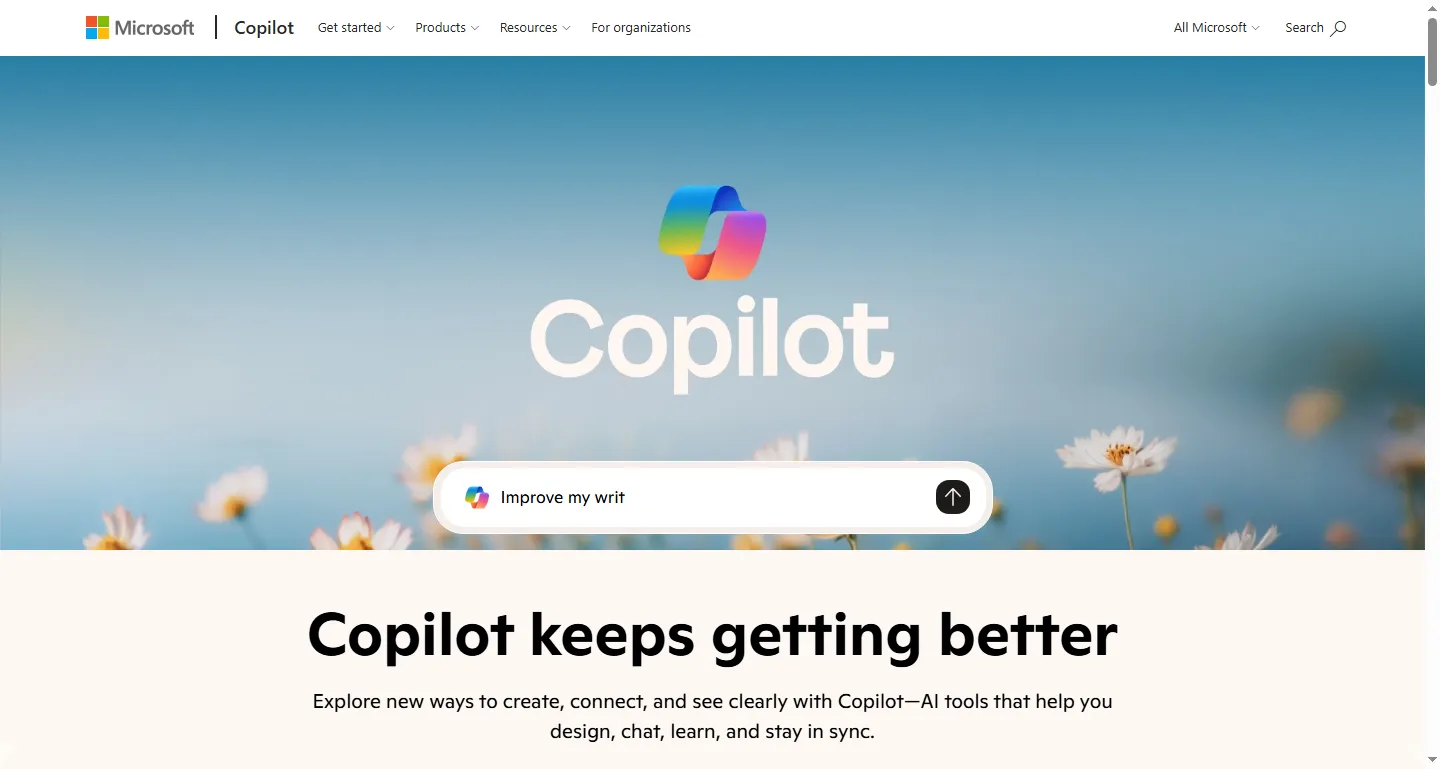
Microsoft’s Copilot page for individuals. The standalone Copilot Pro plan is retired, so check which product you would actually be buying.
This is the clearest example of why a two-year-old recommendation article is worse than useless. It doesn’t just give stale advice. It sends you looking for a product that no longer exists.
The annual discount trade-off
Most of these services knock 10% to 20% off for paying a year upfront. That’s real money if you’re confident you’ll still want the tool in eleven months. It’s a worse deal than it looks if you’re undecided, because you lose the easy monthly exit. Cancelling an annual plan usually stops the renewal rather than refunding the months you didn’t use.
Safer order: one full month on monthly billing, confirm you’re actually hitting the friction you paid to remove, then switch to annual.
Who should pay for nothing
If your AI use is a handful of questions a week, settling an argument, drafting a short email, explaining a concept, every free tier here covers you. You’ll occasionally hit a rate limit. You’ll rarely care, because you weren’t mid-session anyway.
This is most people. For a deeper look at one specific free tier, see our breakdown of ChatGPT free vs Plus, where the break-even point turns out to be more specific than “free is fine.”
Who should pay for one
Daily users of a single tool. If you’re drafting, coding, or researching most days and hitting limits mid-task more than once or twice a week, $20/month is cheaper than the time you lose working around it.
One exception is worth checking before you subscribe. If you already pay for Microsoft 365 or Google Workspace, look at what your existing plan includes. Microsoft 365 Premium and Google AI Pro both fold AI access into a broader subscription that may overlap with something already on your card.
Who should pay for two (rarely)
Two subscriptions make sense when your work splits into two modes one tool doesn’t cover: heavy coding on one platform, heavy document and spreadsheet work inside Google’s or Microsoft’s suite on another. Even then, run the second tool’s free tier for a month first.
What doesn’t hold up is paying for two general-purpose chat assistants. That’s $40 a month for redundancy.
A bigger price tag isn’t a smarter model
The jump from a $20 plan to a $100 or $200 tier is usually about volume, not intelligence. Anthropic describes Max as 5x or 20x the usage of Pro with higher output limits and priority access. Google describes Ultra as up to 20x the Gemini limits of the Pro plan. Both are quantity.
There are exceptions, like the Deep Think reasoning mode Google reserves for Ultra. Read the specific plan page rather than assuming price scales with capability.
Worth it for
- A paid tier removes real friction if you use AI daily for work
- Annual billing on some of these plans, notably Claude, cuts the effective price
- Cancelling is straightforward across all of these services
Skip it if
- Subscriptions stack quietly: three $20 plans is $60 a month for tools with heavy overlap
- Free tiers are strong enough that many people upgrade out of habit rather than need
- Prices and plan structures changed several times in the past year, as the retired Copilot Pro plan shows
One habit worth building regardless of what you pick: set a calendar reminder a month before any annual renewal. It’s the easiest way to avoid paying for a second year of something you stopped using in March.
Alternatives to a flat subscription
- Pay-as-you-go API access. For technical users with bursty, irregular use, developer APIs can cost less than a flat monthly plan. More setup, though, and no consumer app.
- Student pricing. Several providers offer verified-student discounts, and Perplexity lists an Education Pro tier at half the standard price. Check whether your school already provides institutional access before paying anything.
- Bundled productivity plans. If Microsoft 365 or Google Workspace is already on your card, upgrading that plan may get you AI features for less than buying a separate product.
The verdict
WAIT. Spend two weeks on free tiers and count your actual blockers before subscribing to anything. Hitting real limits several times a week on one specific tool? Pay for that one. Not hitting them? The free tiers covered here are good enough in 2026 that paying is optional.
If you’re weighing AI plans against everything else auto-renewing on your card, our list of subscriptions most people don’t need is a useful gut check. And if the answer turns out to be “none of them,” free AI tools that are genuinely useful covers what you get for nothing.
Common questions
Is Gemini Advanced worth it compared to ChatGPT Plus?
Google’s paid Gemini plan, AI Pro, costs $19.99 a month, close to ChatGPT Plus at $20. Public leaderboards keep the top models from both companies clustered together, so the difference that matters is the bundle: AI Pro adds 5 TB of storage and YouTube Premium Lite, while Plus adds Codex, OpenAI’s coding agent, for about the same price. Pick based on which bundle you’d actually use, not which model tests a point higher this month.
Is Perplexity Pro worth it?
Perplexity Pro is $20 a month or $200 a year, the same effective rate either way, unlike Claude’s annual discount. It removes the daily cap on Pro Search and adds a Deep Research allowance. It’s worth paying for if research is a daily part of your job and the free tier’s daily Pro-search allowance runs out before lunch; casual fact-checking doesn’t need it.