An AI browser is a normal browser with an assistant wired into it. It can summarize the page you’re on, answer questions about your open tabs, and in “agent mode” click through a site on your behalf: fill the form, add to cart, book the thing.
The pitch landed hard. Then, on July 9, OpenAI said it’s switching off ChatGPT Atlas on August 9, 2026, less than a year after launching it. Perplexity went the other direction and made Comet free. So the obvious question changed shape. It’s no longer “which AI browser should I install,” it’s “is this a product category yet?”
Short answer: not for anything sensitive. Here’s what the evidence says.
How we compared
No test lab here. This is a read of the public record in July 2026: OpenAI’s own support notice about ending Atlas, Perplexity’s pricing changes as covered by named outlets, published security research from Brave, Consumer Reports’ consumer guidance, and the federal court docket in Amazon’s case against Perplexity.
We’re weighting security research and court filings more heavily than reviews, because the interesting question about agentic browsing isn’t whether it feels slick. It’s what happens when it goes wrong at your bank.
Where the three big ones stand
| Browser | Price | Platforms | Status |
|---|---|---|---|
| ChatGPT Atlas (OpenAI) | Free app, agent mode needs Plus/Pro/Business | macOS | Shutting down August 9, 2026 |
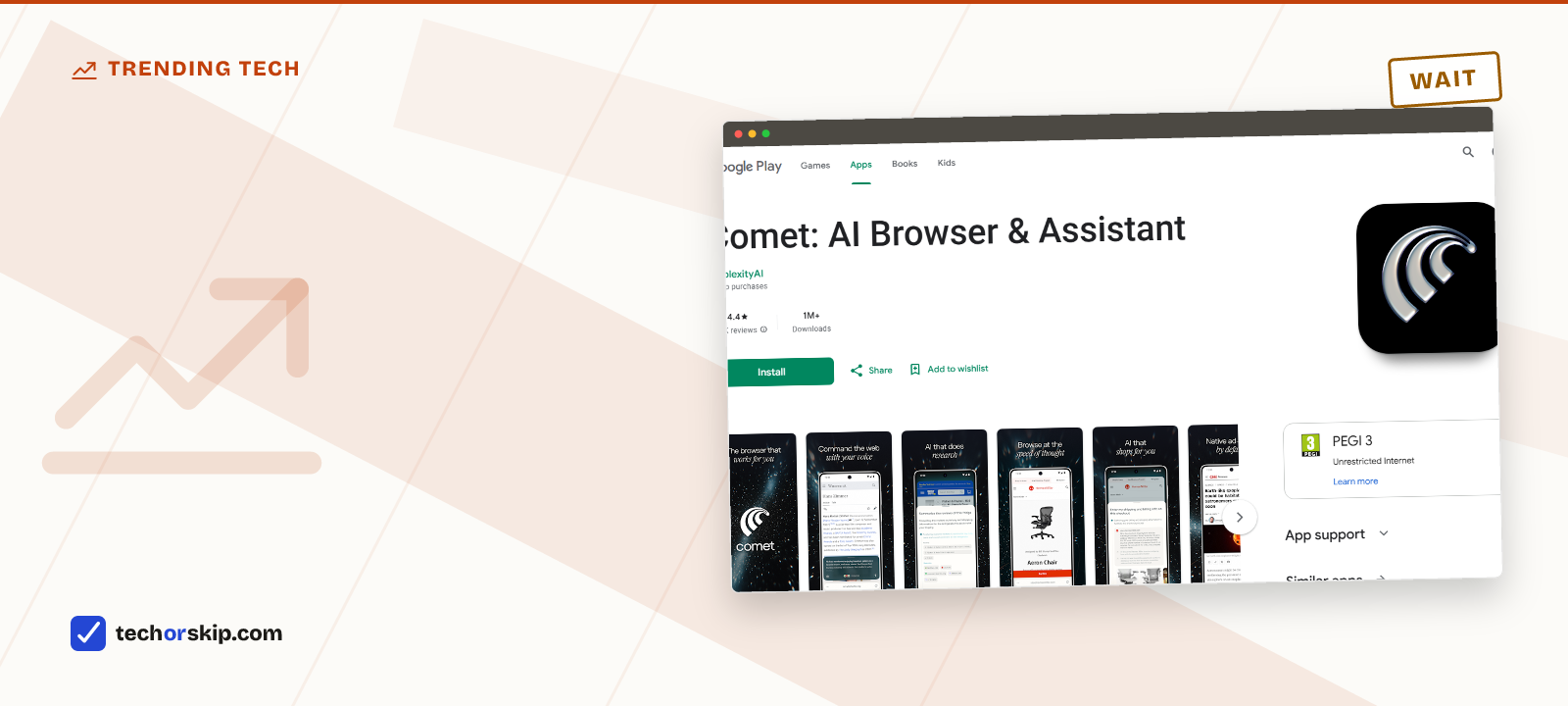
| Comet (Perplexity) | Free; Comet Plus $5/mo for publisher content | Windows, macOS, iOS, Android | Active, and in federal litigation with Amazon |
| Dia (The Browser Company) | Free tier plus a paid Pro tier | macOS on Apple silicon | Active, smallest of the three |
| A normal browser plus an AI site | Free | Everything | No agent access to your logged-in accounts |
OpenAI is turning Atlas off
Atlas arrived in October 2025 as OpenAI’s answer to “what if you could chat with your browser.” On July 9, 2026, OpenAI set its deprecation date: August 9, 2026. After that, per OpenAI’s support notice, Atlas may no longer open, browse, or run browser-based agentic workflows. If you use it, export your bookmarks now.
The capability isn’t being abandoned, it’s being split up. OpenAI’s James Sun said the team built its browser-in-app features on what it learned from Atlas: the ChatGPT desktop app is getting its own in-app browser with tabs, a password manager and autofill, Work Mode gets a browser that runs in the cloud, and a Chrome extension is rolling out a side panel that brings ChatGPT and Codex into Google’s browser directly. So the feature survives, split across three places. The standalone app didn’t.
That’s worth sitting with before you install anything in this category. A browser is where your logged-in life lives, and switching to one is a real migration. Atlas users got about ten months.
The security problem nobody has solved
In August 2025, Brave’s security team published a working attack against Comet. They planted hidden instructions in a Reddit comment, asked Comet to summarize the page, and watched it follow the attacker’s instructions instead of the user’s. The proof of concept pulled the victim’s email address and a one-time password, which is enough for account takeover.
This is indirect prompt injection, and it isn’t a bug in one product. Brave’s conclusion was blunt: traditional web security assumptions don’t hold for agentic AI. The same-origin policy, the thing that stops one site reading another’s data, means very little when an agent with your privileges is doing the reading on your behalf.
Perplexity fixed that specific attack. The class of attack is the problem. Consumer Reports quoted OpenAI’s own chief information security officer describing prompt injection as “a frontier, unsolved security problem,” and Consumer Reports’ Steve Blair asked whether the juice is worth the squeeze, comparing the technology’s state to early self-driving cars.
Their advice, and ours: keep these browsers away from email, banking, and anything work-related. That advice is not a workaround. It’s an admission that the headline feature, an agent acting inside your accounts, is the exact thing you shouldn’t let it do yet.
If that pattern sounds familiar, it should. It’s the same trade we cover in AI browser extensions you should avoid: a tool that needs read-and-act access to every page in order to be useful, which is also everything an attacker would want.
The legal question is genuinely open
There’s a second reason to wait, and it has nothing to do with malware. Amazon sued Perplexity over Comet logging into users’ Amazon accounts and shopping for them, arguing it violates the Computer Fraud and Abuse Act even when the user explicitly asked for it.
In March 2026 a federal judge granted Amazon a preliminary injunction. The Ninth Circuit paused it, heard argument on June 11, 2026, and has not ruled. The judges spent that hearing wrestling with a 1986 hacking statute that has no concept of an AI agent at all.
Whichever way it lands, it decides what agentic browsers are allowed to do on logged-in commercial sites. Buying into a workflow that a court might cut off in a few months is a bad trade for most people.
What you actually give up
Agentic browsing needs broad visibility to work. Consumer Reports notes these browsers observe nearly all your online activity and build memories of what you looked at, including pages you’d never intentionally hand to a company.
Compare that with the boring alternative: open a normal browser, open an AI site in a tab, paste in what you want help with. You lose the agent clicking things for you. You keep a hard wall between the AI and your logged-in sessions. For most people most days, that’s a good deal, and the free tools in genuinely useful free AI tools cover the same ground without the install.
Worth it for
- Summarizing and cross-tab questions genuinely save time on research-heavy browsing
- Comet is free and cross-platform, so trying it costs nothing but attention
- The underlying capability is moving into apps you already use, so waiting costs you little
Skip it if
- Indirect prompt injection is unsolved by the vendors' own admission, not just by critics
- Atlas shutting down ten months after launch shows how unsettled the category is
- A court could restrict what agents may do on logged-in sites before the year ends
- These browsers see more of your activity than any extension would
Alternatives
- Use a regular browser and keep AI in a tab. Nothing gets agent access to your sessions, and the free AI tools worth using work fine that way.
- If what you want is better research and citations rather than clicking, the best AI for research and source checking is the more direct route.
- If you do try one, put a password manager and unique passwords underneath it first, so a bad day means one compromised account instead of all of them.
Verdict
WAIT. Not because the idea is bad, but because the category is visibly unsettled: the most prominent product is being switched off next month, the central security flaw is unfixed by the vendors’ own accounts, and a federal appeals court is deciding what these agents may legally do. Try Comet on public pages if you’re curious, since it’s free. Don’t sign it into your email, and don’t build a workflow you’d hate to lose in August.
Common questions
Is Perplexity Comet worth switching to?
Free to try, worth caution before you commit. Comet costs nothing to install and works across Windows, macOS, iOS and Android, so trying it costs little but attention. The catch is the one Brave’s security team demonstrated in August 2025: hidden instructions planted in a Reddit comment got Comet to pull a victim’s email address and one-time password without the user asking for it. Perplexity fixed that specific attack, but the underlying flaw, indirect prompt injection, is unsolved industry-wide, so keep it away from email, banking and work accounts for now.
Is ChatGPT Atlas safe to use as your main browser?
That question is becoming moot. OpenAI is shutting Atlas down on August 9, 2026, less than a year after launching it, and folding its features into the ChatGPT desktop app, Work Mode, and a Chrome side panel instead. Whatever safety questions applied to Atlas apply to the whole agentic-browser category too: Consumer Reports quoted OpenAI’s own chief information security officer calling prompt injection “a frontier, unsolved security problem.”