If you already own a tablet, you don’t need a Kindle to start reading tonight. But if you read most days and keep telling yourself you’ll get to that book, a dedicated e-reader removes the one thing that keeps beating it: everything else on your tablet.
That’s the honest version of the “just use your iPad” argument. It’s not wrong. It’s just answering a different question than the one most people asking about e-readers actually have. And as of a month ago, it got a little more expensive to be right about.
Apple raised iPad prices on June 25, 2026, pushing its cheapest model from $349 to $449 because of a memory chip shortage driving up costs across the industry. A basic Kindle still costs $109.99. That gap is the whole argument in one number.
How we compared
Every price here comes from Amazon’s, Kobo’s and Apple’s own listings, checked in July 2026, plus coverage from Tech Times, 9to5Toys and the eBook Reader Blog tracking recent sales and list-price changes. Nobody on this team ran a side-by-side reading marathon with both devices.
What we can verify: what each device costs right now, what its battery is rated for, and what E Ink screens are built to do differently than an LCD panel. That’s enough to answer the money question honestly, even without a stopwatch.
Six screens, one very different battery story
| Device | Price | Storage | Battery | Screen |
|---|---|---|---|---|
| Kindle (basic) | $109.99 | 16GB | Weeks per charge | 6-inch E Ink, no color |
| Kindle Paperwhite | $159.99 | 16GB | Weeks per charge | 6.7-inch E Ink, no color |
| Kindle Colorsoft | $249.99 | 16GB | Weeks per charge | 7-inch E Ink, color |
| Kobo Clara BW | $129.99 to $159.99 | 16GB | Weeks per charge | 6-inch E Ink, no color |
| Kobo Libra Colour | $219.99 | 32GB | Weeks per charge | 7-inch E Ink, color, stylus support |
| iPad (11th gen) | $449 | 128GB | Around 10 hours active use | 11-inch LCD, full color, apps |
What E Ink actually changes
E Ink screens reflect ambient light instead of emitting it, the same way a printed page does. A tablet’s LCD or OLED panel shines light straight at your eyes, which is fine at noon and less fine at 11pm in bed next to someone trying to sleep. Kobo’s own comparison of the two screen types makes this point plainly, and it’s one of the few claims in this space that reviewers across the board agree on.
The practical result: E Ink is easier to read outdoors, easier on the eyes over a long session, and, because the screen only draws power when the page actually changes, dramatically cheaper on battery. A tablet sips power constantly to keep an LCD panel lit.
The Kindle lineup, priced out
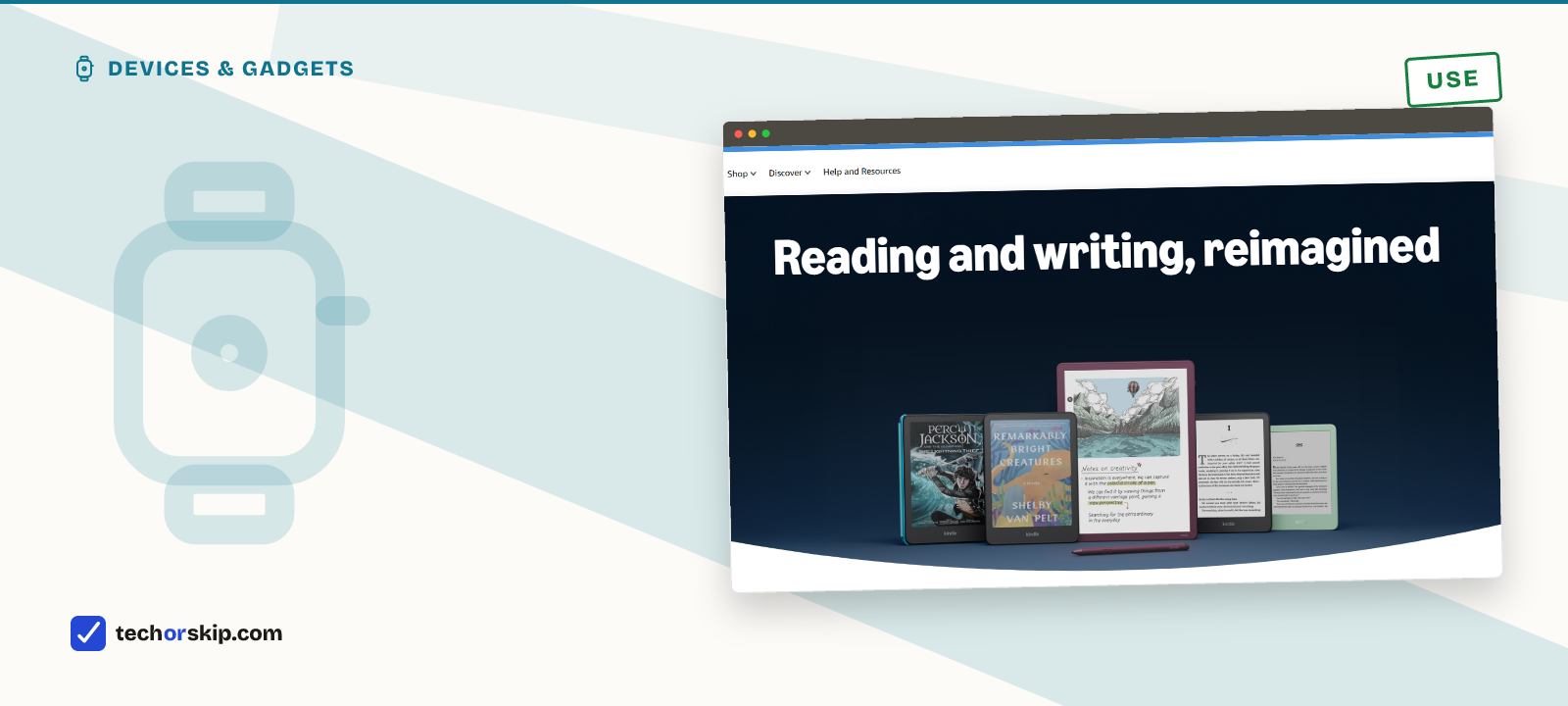
The base Kindle costs $109.99 for 16GB, the lightest and smallest model Amazon sells. Step up to the Paperwhite and you’re at $159.99 for the standard 16GB version, or $199.99 for the 32GB Signature Edition with wireless charging.
Colorsoft, Amazon’s first color-screen Kindle, starts at $249.99 for 16GB and $279.99 for the 32GB Signature Edition. Tech Times and 9to5Toys both tracked these models hitting their lowest 2026 prices in the run-up to Prime Day this July, so patience on a sale saves real money here too.
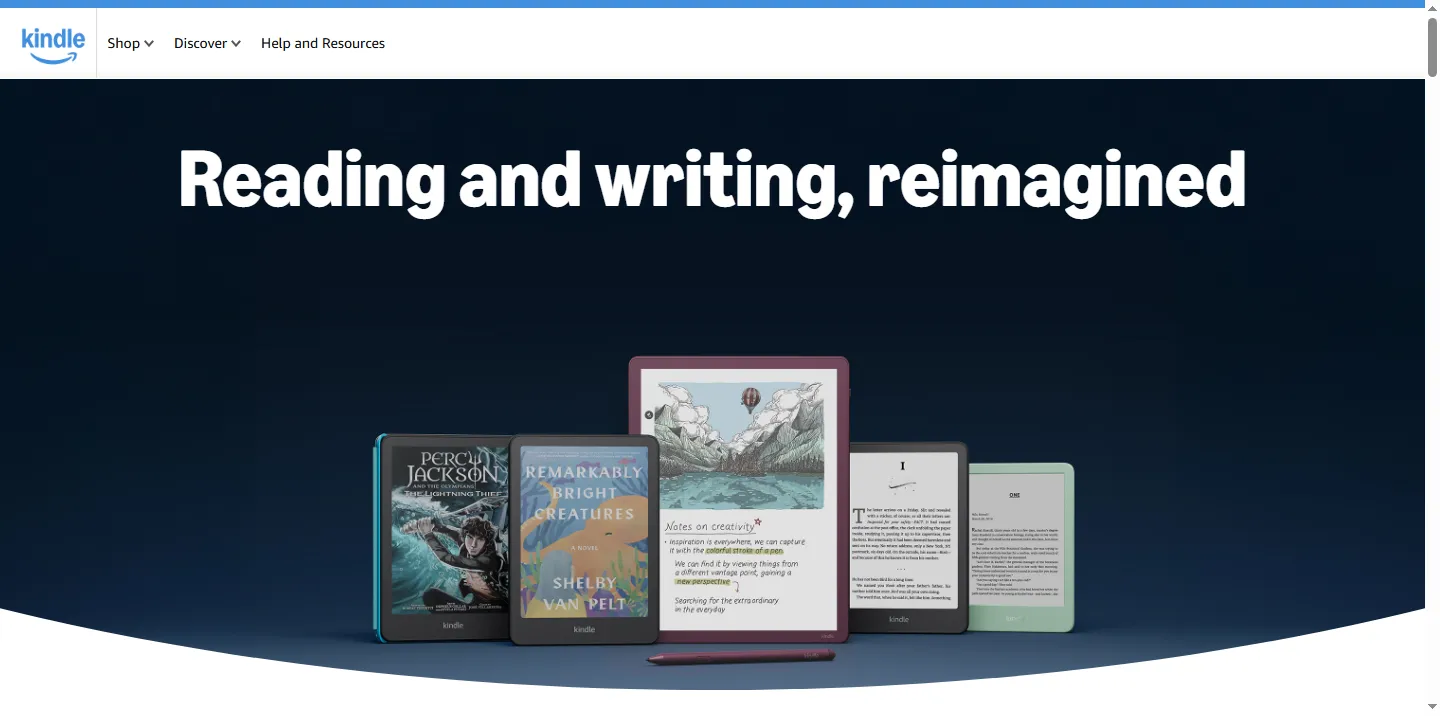
Kobo, if you’d rather not buy inside Amazon’s store
Kobo’s Clara BW lists between $129.99 and $159.99 depending on the current promotion, per the eBook Reader Blog’s June 2026 pricing coverage. The color Libra Colour runs $219.99 for 32GB and adds stylus support and a bigger 7-inch screen.
The real difference from Kindle isn’t hardware. It’s software: Kobo devices support library apps like Libby directly, without the workaround Kindle owners need. If you read library books more than you buy them, that alone might decide it.
Format lock-in, and the note-taking exception
Buy a Kindle and you’re inside Amazon’s ecosystem. Books you buy live in Amazon’s format, tied to your Amazon account. Kobo reads the more open EPUB format natively, which matters if you split your reading between purchases and library loans and don’t want to convert files by hand.
Waterproofing splits by price, not brand. The base $109.99 Kindle isn’t rated for water at all. Paperwhite, Colorsoft, Clara BW and Libra Colour all are, which matters if your reading happens in a bathtub or by a pool.
There’s also a third category worth a mention, even though it’s less a reading device than a notebook: the Kindle Scribe and Kobo’s stylus-equipped models add handwriting on top of E Ink’s battery advantage, for people who annotate as much as they read. That’s a different purchase with a different price, usually $300 and up, and it’s outside the scope of a straight reading comparison.
The iPad just got $100 more expensive
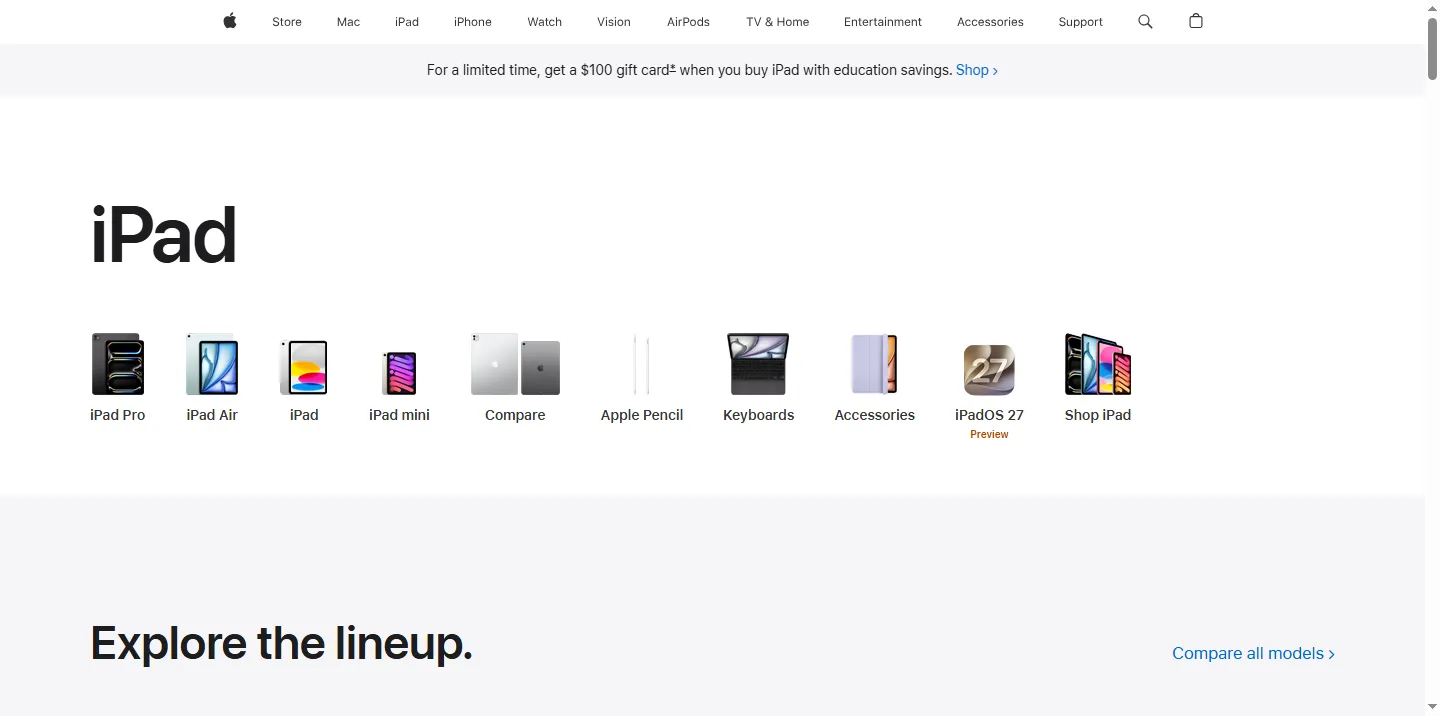
Apple’s June 25 price hike wasn’t really about iPads. CNN reported it as fallout from a memory chip shortage tied to AI data center demand, a shortage Tim Cook called a “hundred-year flood.” But the effect on this comparison is direct: the cheapest new iPad now costs $449, exactly four times a base Kindle.
Where the tablet actually wins
None of this means a tablet is a bad reading device. An 11-inch color screen is genuinely better for comics, textbooks with diagrams, and PDFs that don’t reflow well. It also does everything else: browsing, video, every app on your phone, minus the phone calls.
That versatility cuts both ways. Kindle Unlimited runs $11.99 a month against a public library card and the free Libby app doing much of the same job, the same logic behind our list of ten subscriptions worth replacing for free. A tablet also brings every app and notification you already fight with on your phone. If you’re using one specifically to read more, the same phone settings worth changing immediately are worth another look, or you’ll find the tablet pulling you toward everything except the book.
A shared household tablet also does something no e-reader can: let three different people run three different apps on it across a day. An e-reader is a single-purpose object built for a single reader, which is exactly the appeal for the person it’s right for, and exactly the limitation for everyone else.
Who should actually buy a dedicated e-reader
Anyone who reads most days, wants a device that’s still charged a week later without thinking about it, and would rather not stare at a backlit screen right before falling asleep. The weight matters too: a Kindle or Kobo fits a coat pocket in a way an 11-inch tablet never will.
Casual readers, a chapter here and there on the couch, are better served by whatever’s already in the house. A new $449 iPad isn’t worth buying just to read twenty pages a week, and neither is a $110 Kindle if it’s going to sit in a drawer after the first month.
Worth it for
- E-reader batteries last weeks, not hours, so it is always ready
- E Ink is easier on the eyes for long sessions and before bed
- A basic Kindle costs a quarter of the cheapest new iPad
- Kobo and Kindle both fit in a coat pocket in a way a tablet does not
Skip it if
- A dedicated e-reader only reads books, nothing else
- Color E Ink models like the Colorsoft cost close to a used tablet
- You are buying a single-purpose device you may already have a substitute for
- Comics and textbooks look better on a bright LCD screen than on E Ink
Alternatives
- Turn on grayscale mode. If you already own a tablet, killing the color and hiding distracting apps gets you most of the focus benefit without spending anything.
- Split the difference with color E Ink. The Kobo Libra Colour or Kindle Colorsoft handle comics and illustrated books without an 11-inch tablet, at a real premium over the plain black-and-white models.
- Buy the cheapest option that reads books. A $109.99 base Kindle undercuts everything else here and still lasts weeks per charge.
Verdict
USE a dedicated e-reader if you read most days. It’s a $110 to $250 purchase that pays for itself in a battery you stop thinking about and a screen that doesn’t fight you for attention. SKIP the purchase if your reading is occasional and a tablet already sits on your nightstand. Buying a single-purpose gadget only makes sense once the purpose is a real, regular habit, not an aspiration.
Common questions
Is a Kindle worth it if I already have an iPad?
Only if you actually read most days. A tablet already does the job for casual reading, a chapter here and there, and a new iPad’s cheapest model now costs $449 after Apple’s June 2026 price hike. A dedicated e-reader earns its $110 to $250 price by removing everything else on your tablet that competes for your attention, plus weeks of battery life instead of about 10 hours.
Kindle Paperwhite or iPad mini for reading at night?
The Paperwhite, if eye strain or bedtime reading is the concern. E Ink reflects ambient light instead of emitting it, the same way a printed page does, which Kobo’s own comparison of the two screen types points to as easier on the eyes over a long session in bed. An iPad’s LCD screen shines light directly at your eyes, which is fine at noon and less fine at 11pm.